
PWA Extension for Emergent AI websites
Supercharge your Emergent AI apps by packaging them as installable PWAs. Reach your audience anywhere with seamless home screen installation and keep them engaged with custom push notifications.


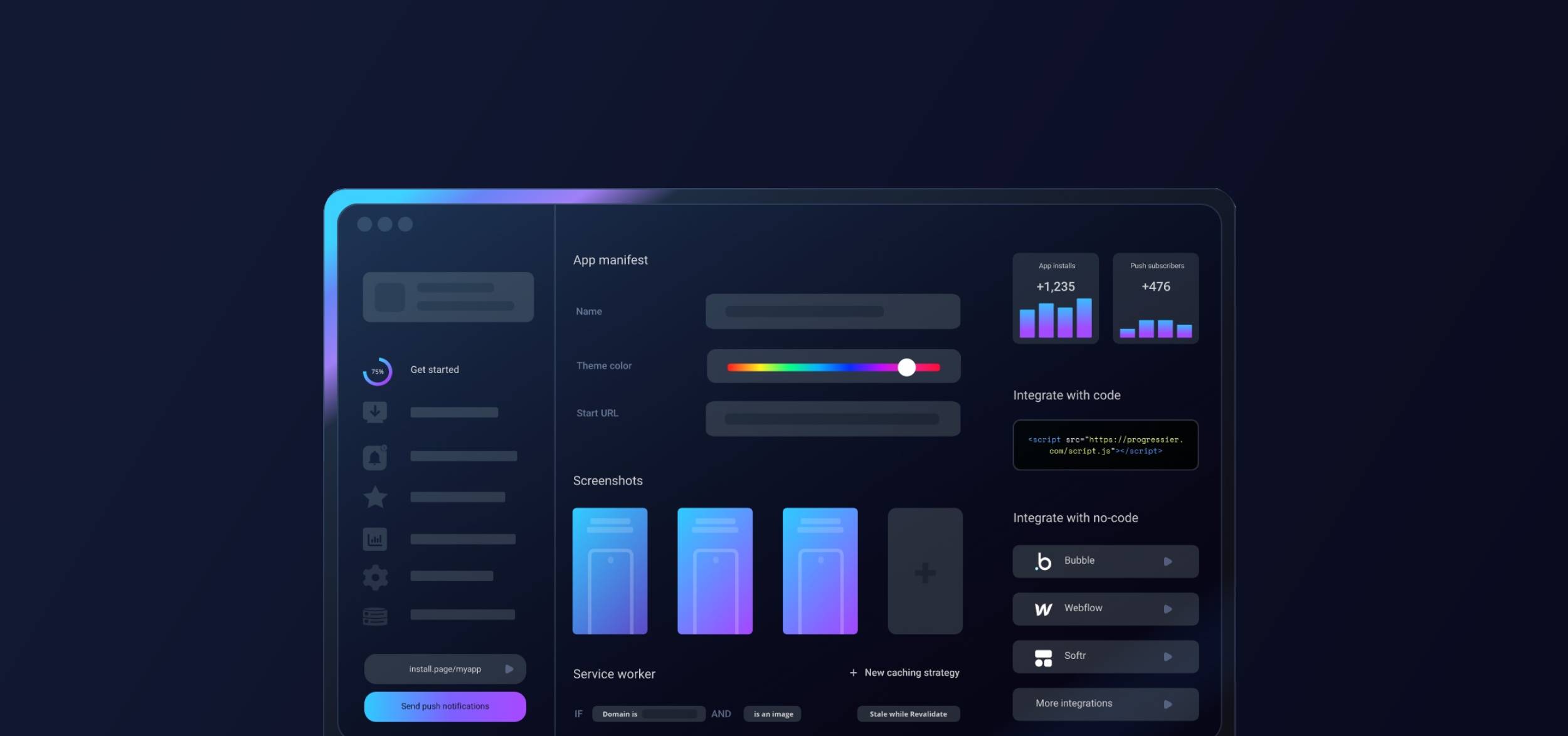
Getting started with Emergent & Progressier
-
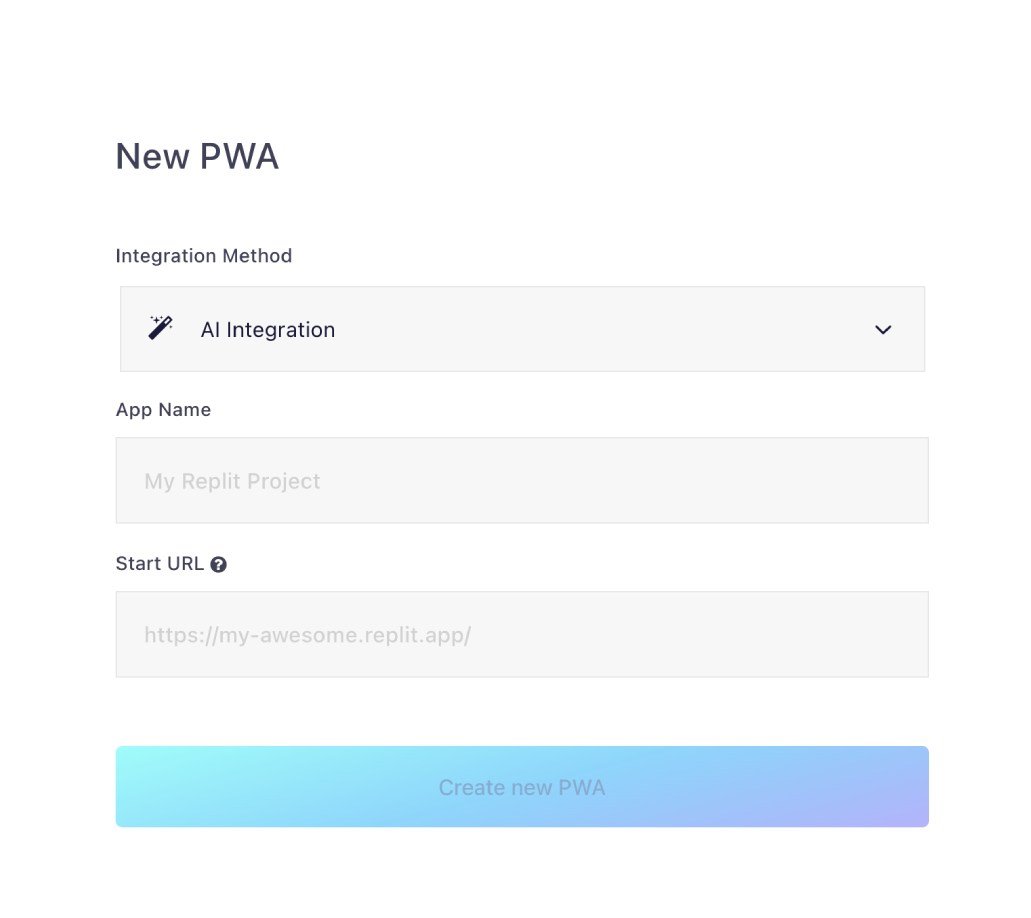
1Configure your domain
Hit Generate PWA, choose AI Integration from the method list, and register your application URL.
-
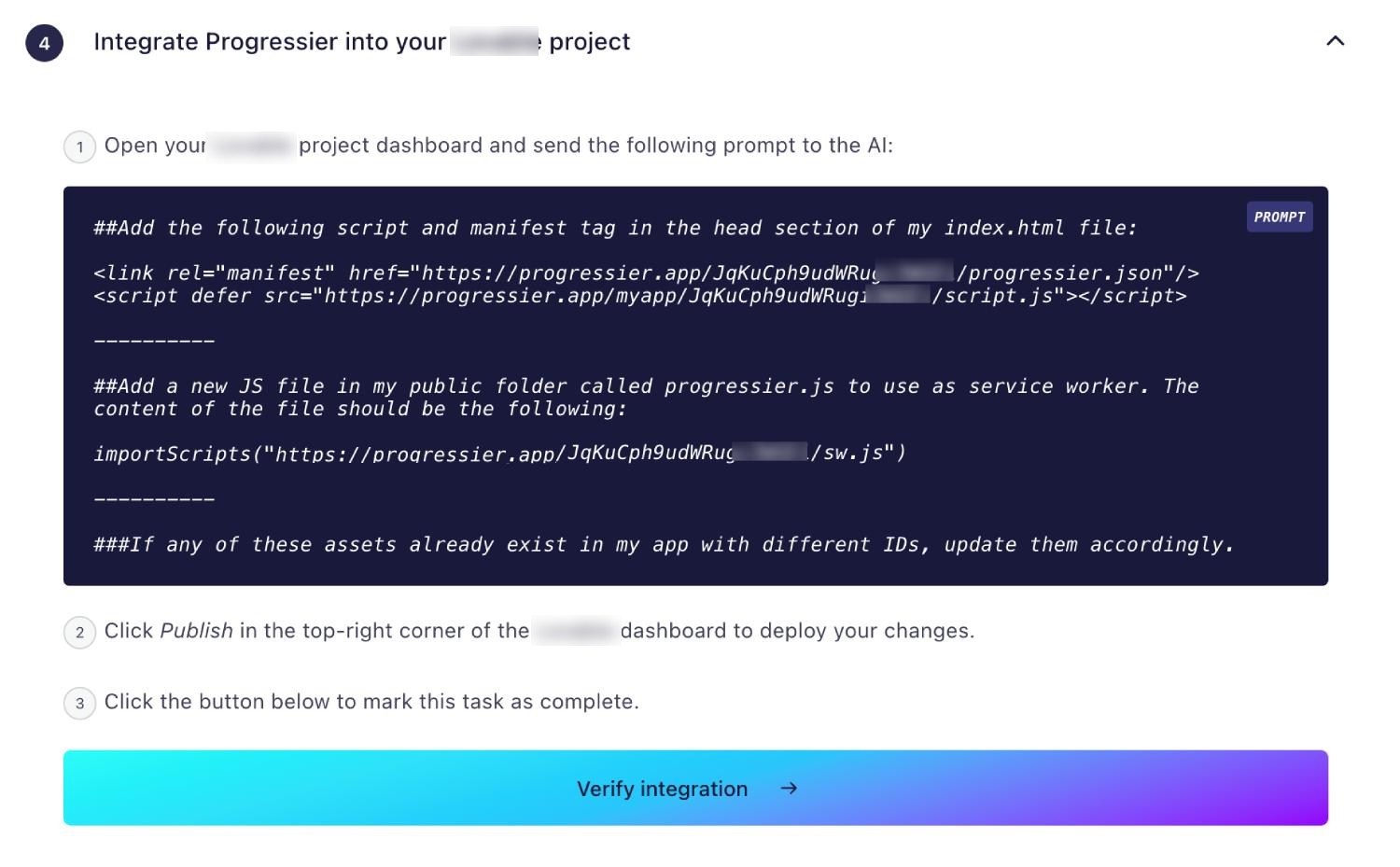
2Prompt the AI to add PWA capabilities
Copy the Progressier integration prompt and instruct the Emergent AI builder to apply the necessary manifest and service worker files to your repository.
-
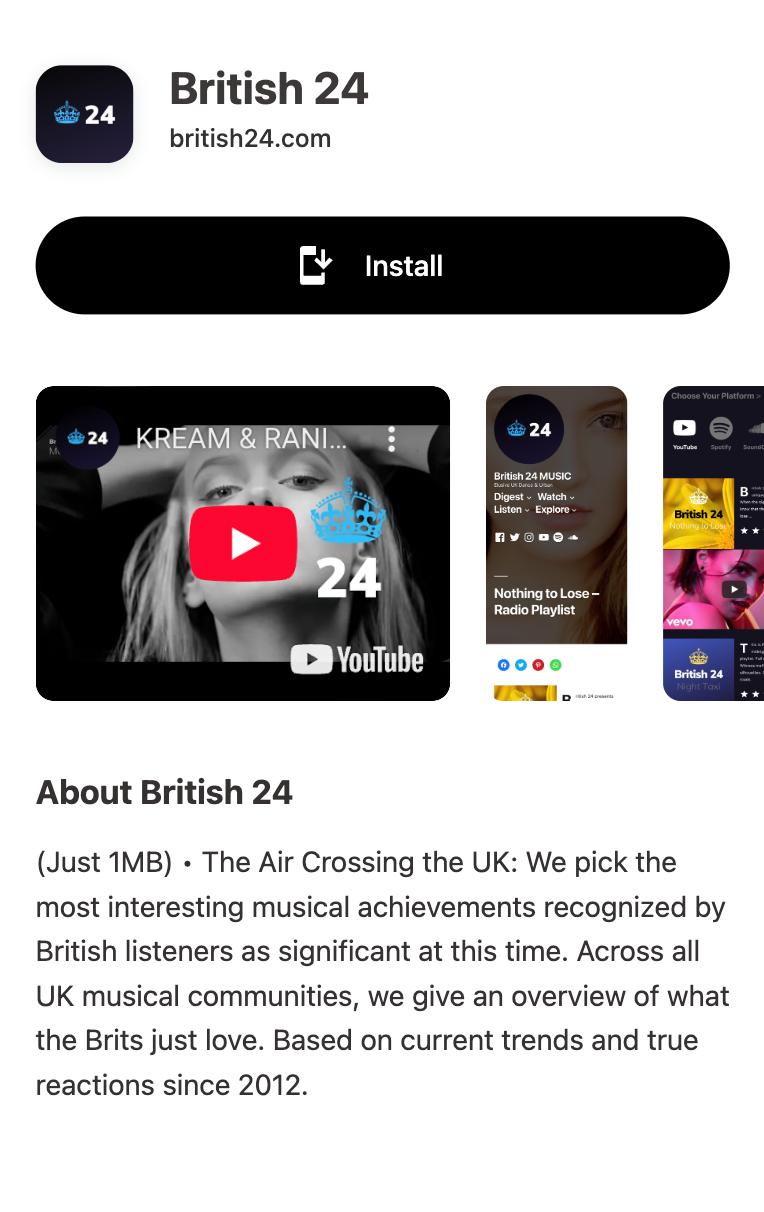
3Share your installable app
Your Emergent project is now a PWA. Share the link with your users so they can bypass the app store and install it directly.
Which PWA features does Emergent support?
Android Installation
Let users install your app on their Android device. It works exactly like a native app.
iOS Installation
Your PWA is installable on iOS and iPad OS. It will open in its own standalone window. Progressier shows users custom instructions.
Windows Installation
Make your app a standalone desktop app that open in its own window. Your PWA can be installed from Chrome and Edge.
macOS Installation
Progressier helps users add your Emergent PWA to their Docks for quick access.
Chrome OS Installation
Enjoy native PWA support for your app on Chrome OS.
Installation Page
A unique page that helps users install your Emergent PWA on their devices with custom instructions for each compatible platform.
Original Domain Installation
Your Emergent PWA can be installed from your existing domain.
Web App Manifest
A web app manifest is a basic browser requirement for PWAs. Progressier outputs it automatically based on your preferences.
Service Worker
A service worker is a JavaScript file that runs in the browser continuously even when the page is not open. It's what allows push notifications to be delivered. Progressier allows you to create, manage, customize your service worker without complicated integrations.
Push Campaigns
Send push notifications to up to 1,000,000 users in one go within the Progressier dashboard or via the API.
Personalized Notifications
Send notifications to any particular user manually or programmatically. All your need is their email, their user ID or any other information that identifies them in your system.
Connect User Data
Link user data like emails, names, status to push subscriptions, so you can easily notify someone from your product directly or from our dashboard.
In-App PWA Promotion
A set of tools that allow you to promote installation of your PWA within the body of your app, including custom install buttons and floating action buttons.
Offline Alerts
Let users know when they lose their Internet connection.
Request Notifications After Installation
Prompt users to allow push notifications right after they have installed your app. Less intrusive = better conversion rate.
Install & Push Analytics
See in real-time and track over time how users install your PWA and allow push notifications.
Programmatic PWA Creation
Create new Progressive Web Apps dynamically with our API on different domains or subdirectories.
Google Play & App Store Upload
Easily upload your app to Google Play or the App Store with our PWABuilder integration.
Why choose Emergent and Progressier for your PWA?
Emergent allows for complex AI reasoning, and your users deserve a premium interface to interact with it. Progressier seamlessly wraps your Emergent web build in a PWA shell, ensuring lightning-fast load times and a true app-like feel with push notifications.
Ready to turn your Emergent app into a PWA?
Try our PWA builder free of charge for 14 days. No credit card required.
Generate PWA See plans