1. Redmenta
Redmenta is an AI-powered platform designed to help teachers and students create personalized learning paths from existing lessons. The software generates learning activities for students and enables teachers to track progress.
As a Progressive Web App (PWA), Redmenta can be installed on any device directly from the browser, without the need for app store downloads.
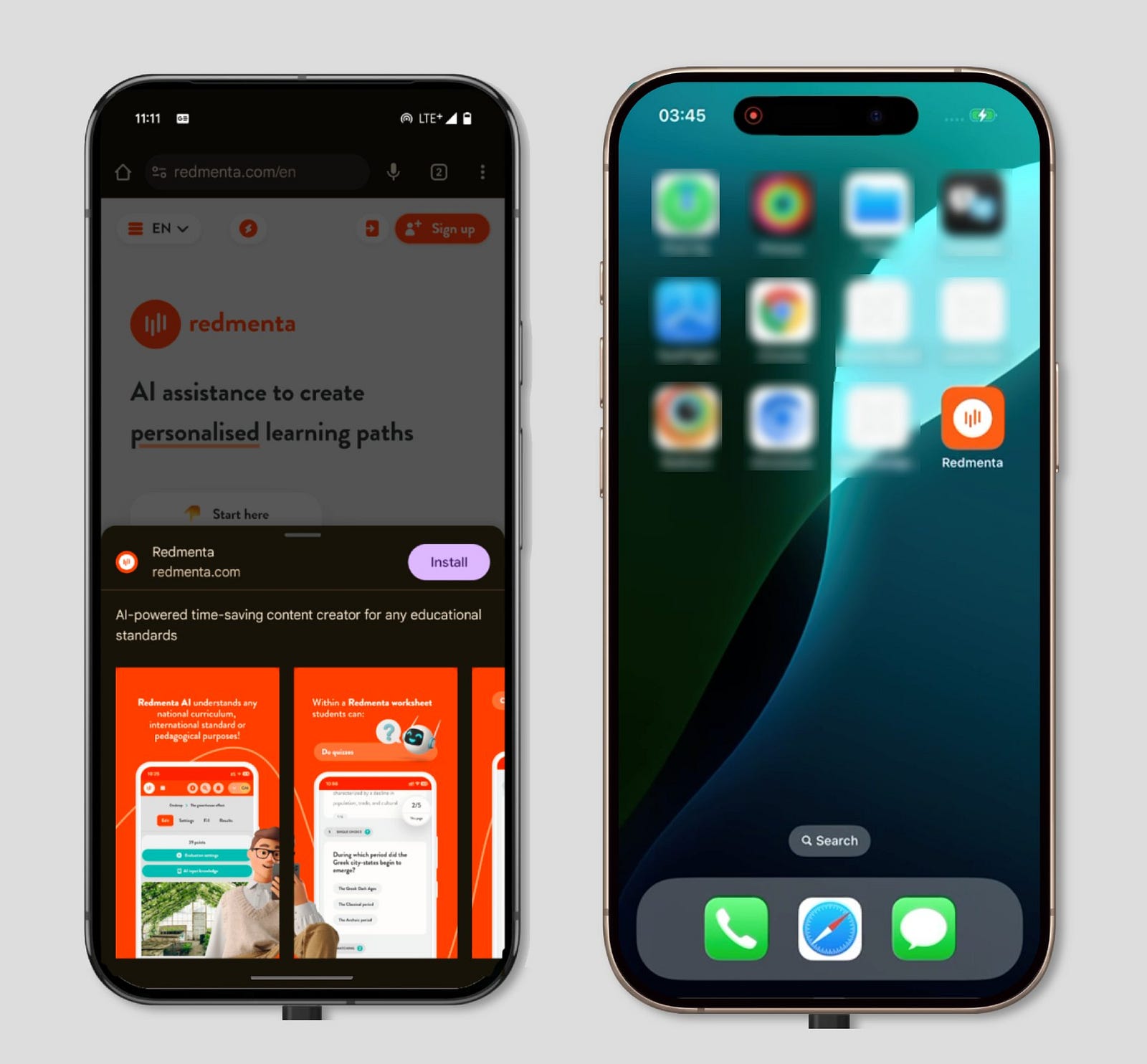
Perfect example of a great modern app: built with React, powered by AI, beautifully designed, mobile-responsive, and distributed via the open web.
2. Fodmapedia
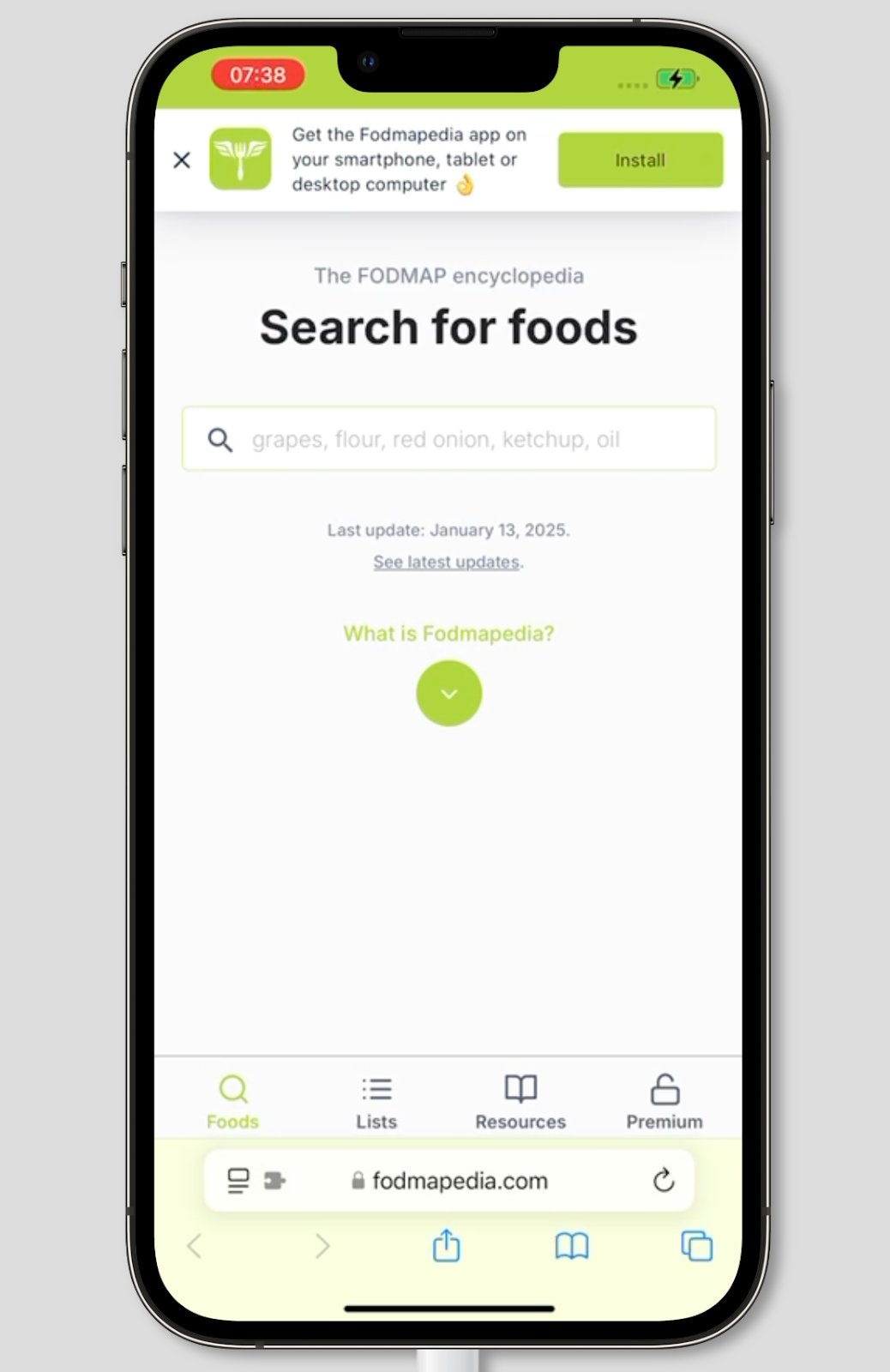
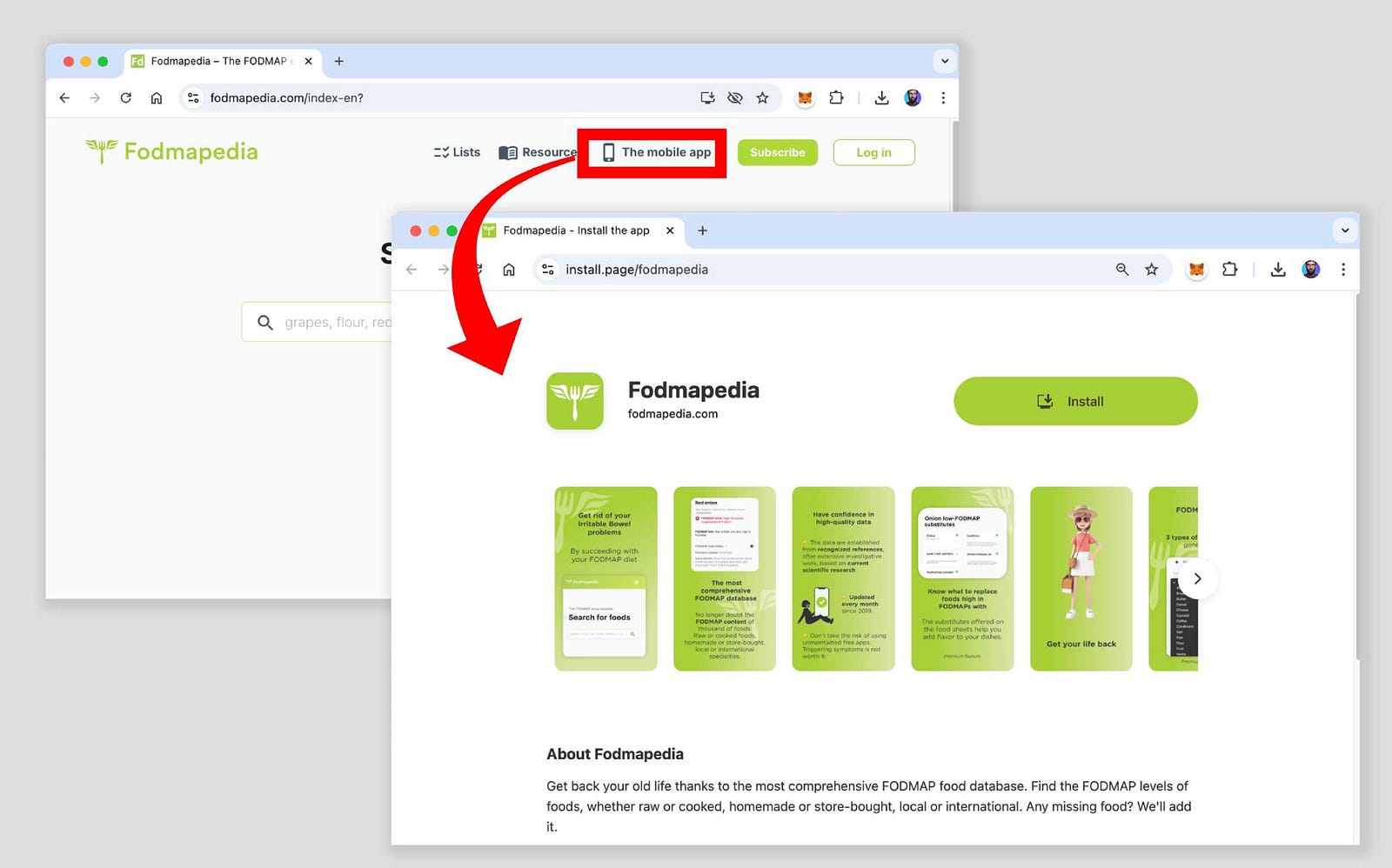
Fodmapedia is an app designed to assist individuals with Irritable Bowel Syndrome in managing their symptoms through a low-FODMAP diet. This PWA example, developed without code with Bubble, helps users identify which items are suitable for their dietary needs. As this is a tool meant to be used daily, the option to install the website as an app is available right from the home page:
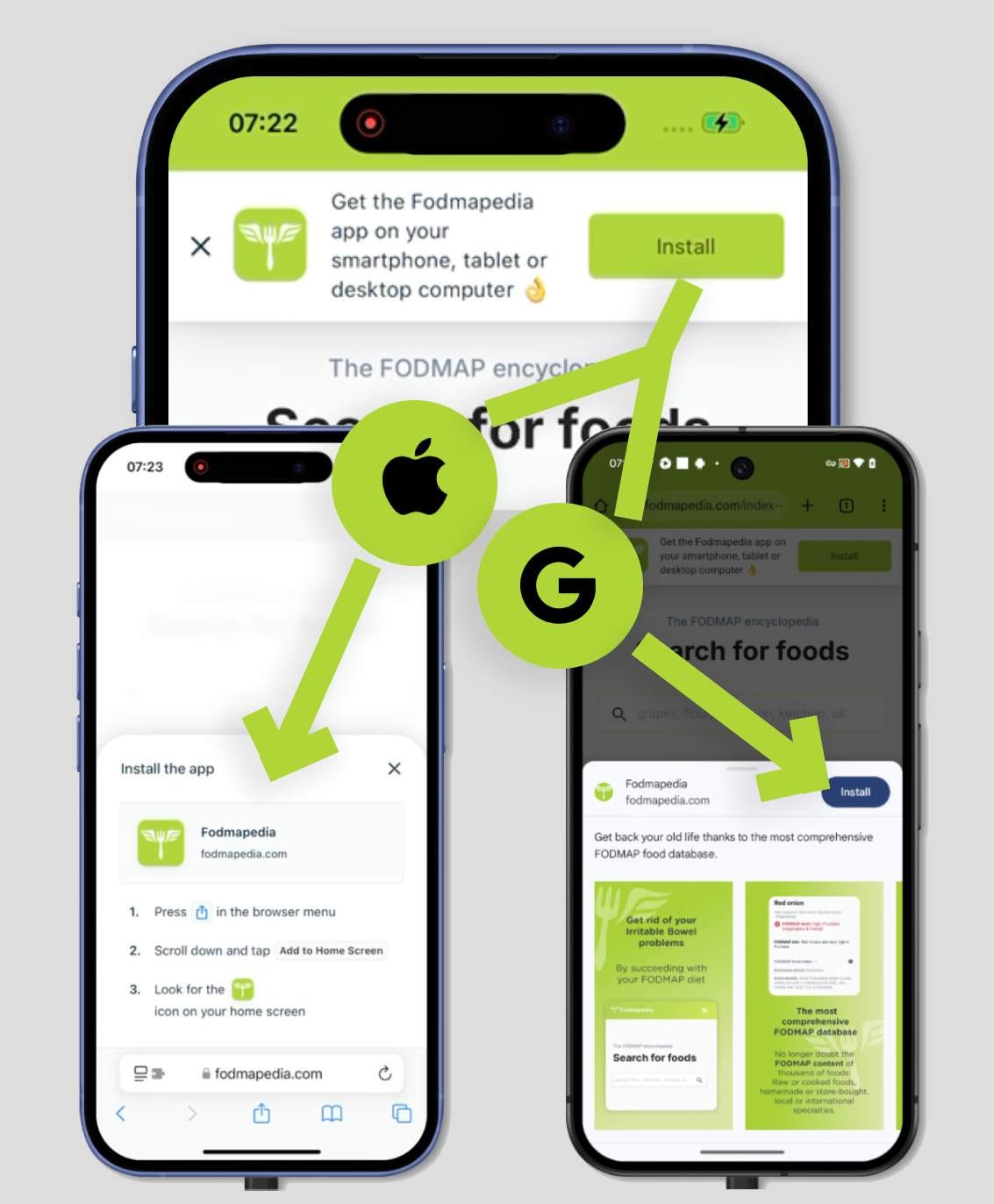
Tap on "Install" and you'll be guided through step-by-step instructions to add the PWA to your home screen. The instructions are smartly tailored to your specific device. With modern web technology, PWAs can now be installed from almost anywhere.
For users who may have missed the initial prompt, Fodmapedia offers a convenient installation link right in the header. This link takes you to a dedicated installation page, complete with app screenshots, detailed information, and even reviews.
Fodmapedia is a great example of a PWA that demonstrates how solving a clear, tangible problem for users can be achieved without code and distributed outside of app stores.
While the PWA format isn't a universal solution for every app, it's often the ideal choice for niche, informational apps that users rely on daily. Seamless integration, no commission fees on in-app payments, and effortless updates. It's hard to beat that level of simplicity and efficiency.
3. Fou d'la bouffe
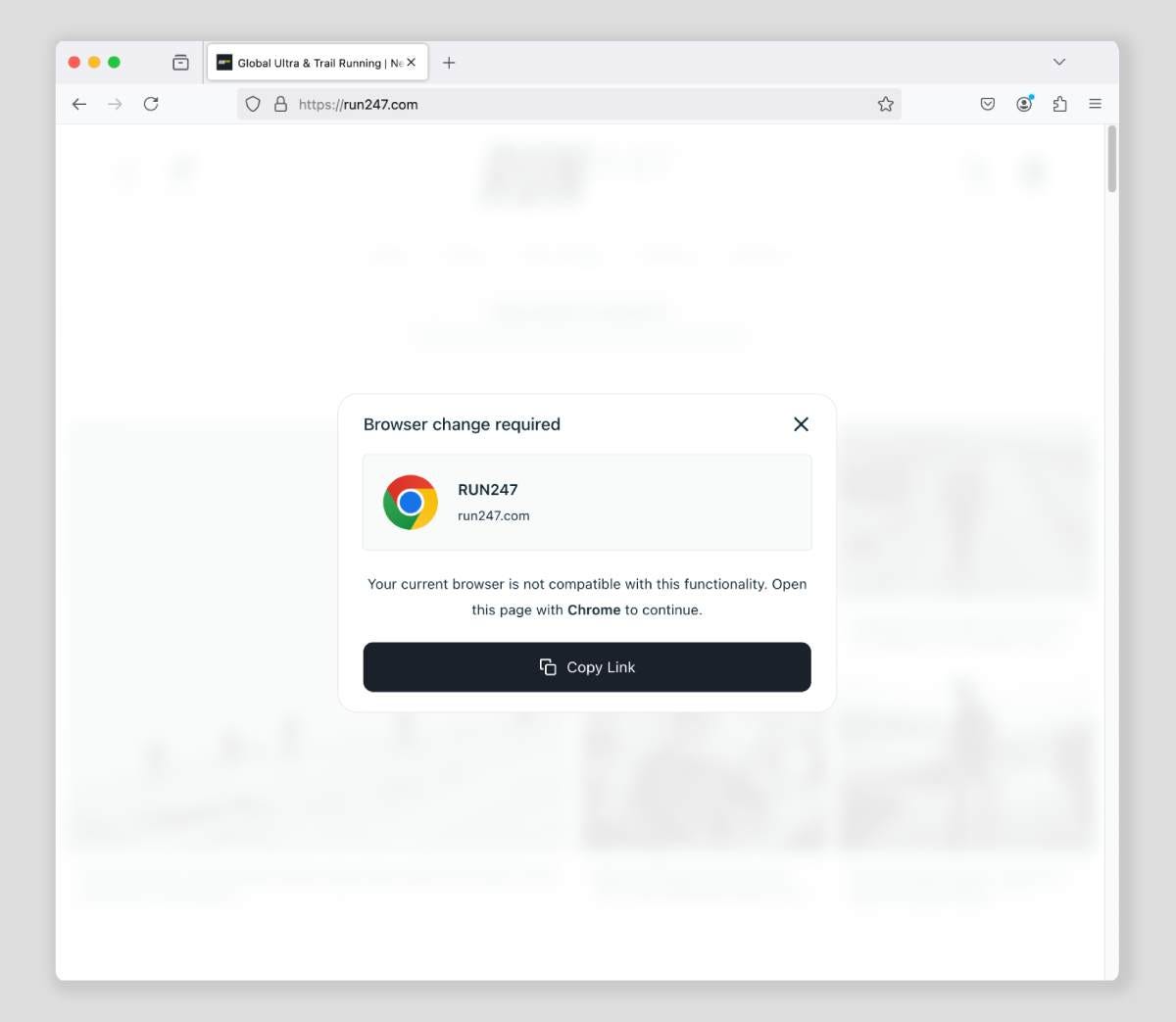
Fou d'la Bouffe is a meal delivery service operating in Quebec and Ontario, a region where both French and English are spoken daily. To cater to this bilingual audience, the app is available in both languages. Upon loading the page, the app detects the user's language and prompts users to install the PWA accordingly:
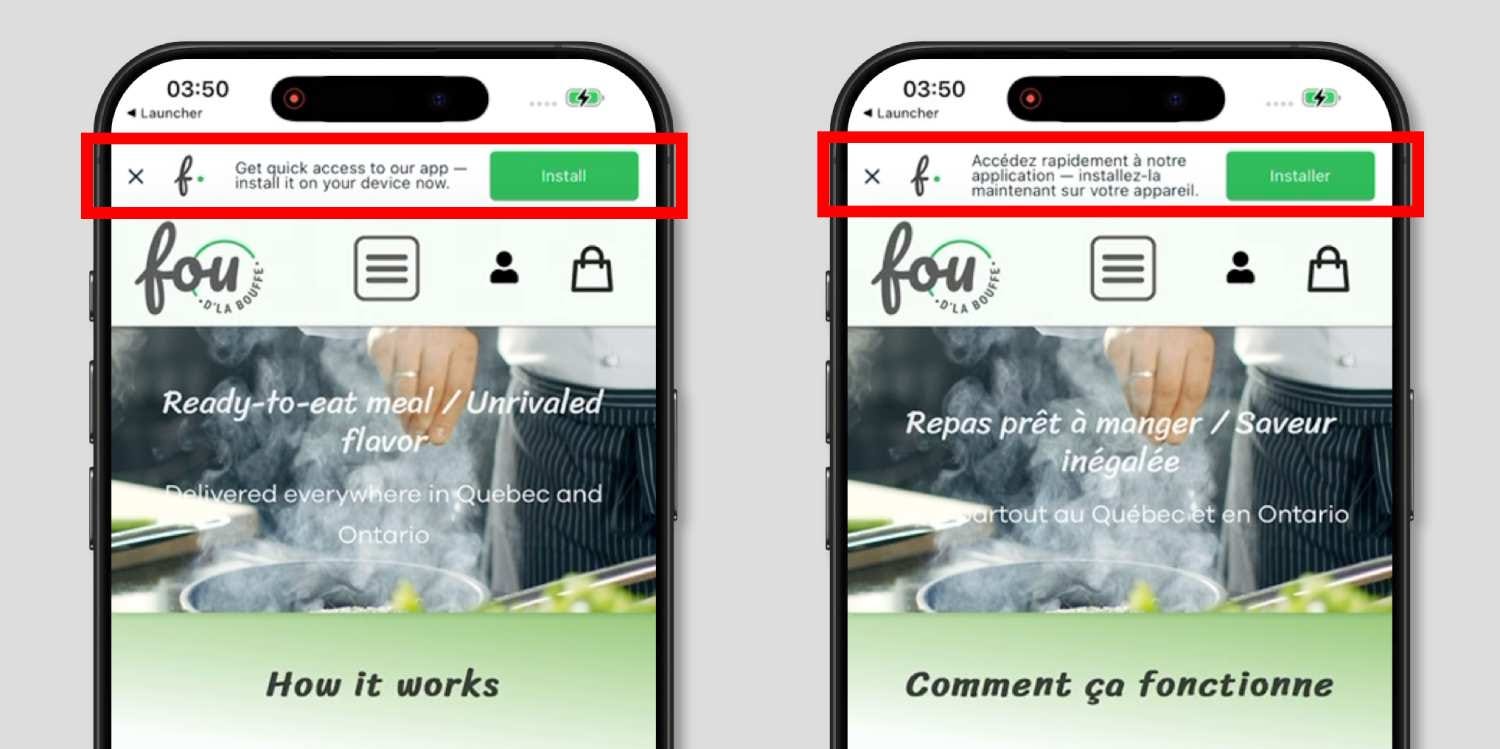
For a meal delivery service, securing a spot on customers' home screens is of the utmost importance. And with advanced features like geolocation and push notifications, this PWA example perfectly shows what the web is capable of.
4. Sky Freebies
Sky Freebies is a platform that helps you discover great deals on free items and samples from various retailers offering promotions.
But as you can imagine, freebies don't last forever! That's why users need to check the site regularly to catch the latest offers. To make this even easier, they've added a handy installation widget that's always available as you browse the site:
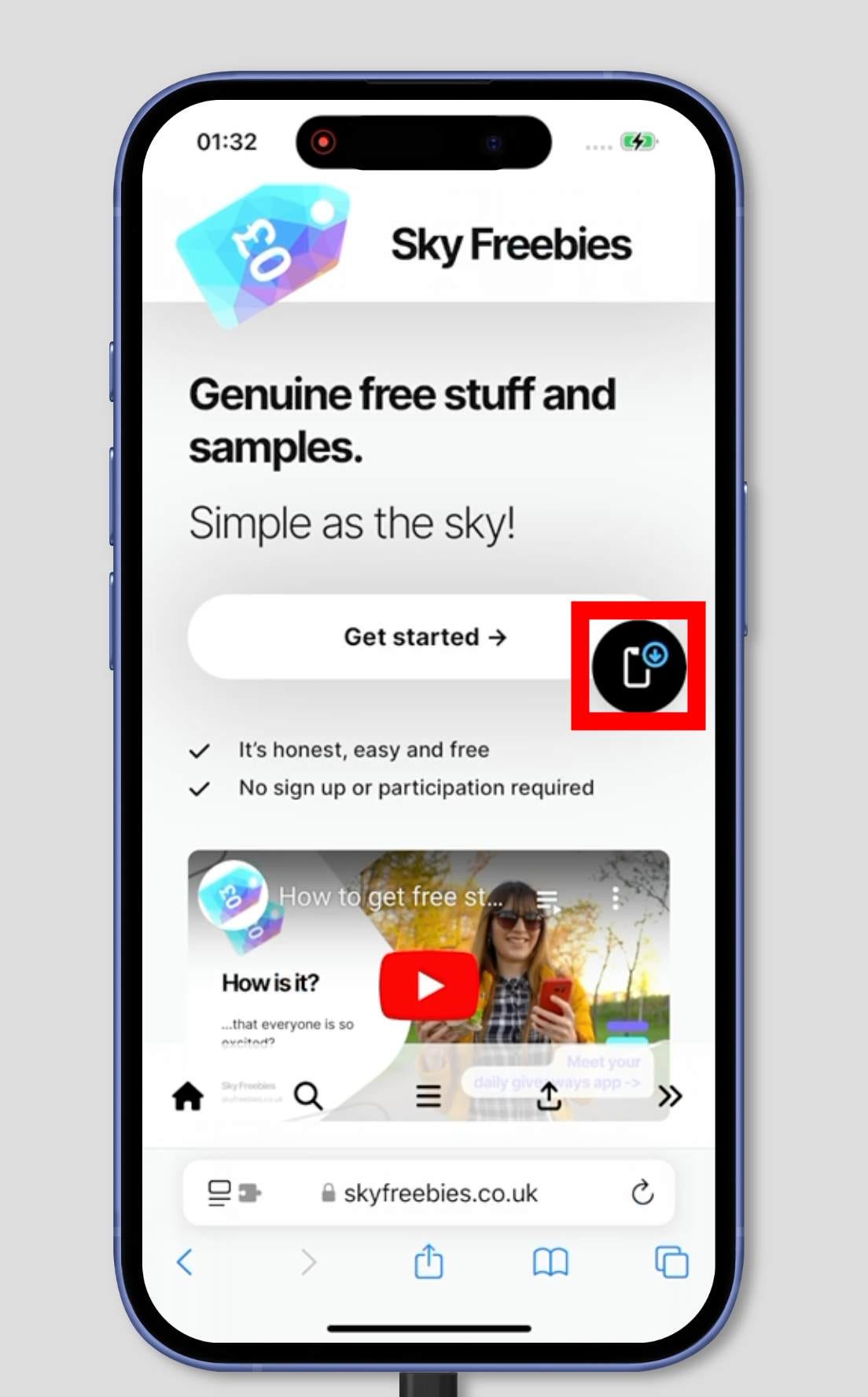
Once you install the app and launch it, you're greeted with the content itself. Sky Freebies detects the display mode and tailors the user experience accordingly. The entire experience is a smooth, seamless journey — from visiting the homepage to launching the app directly from the home screen.
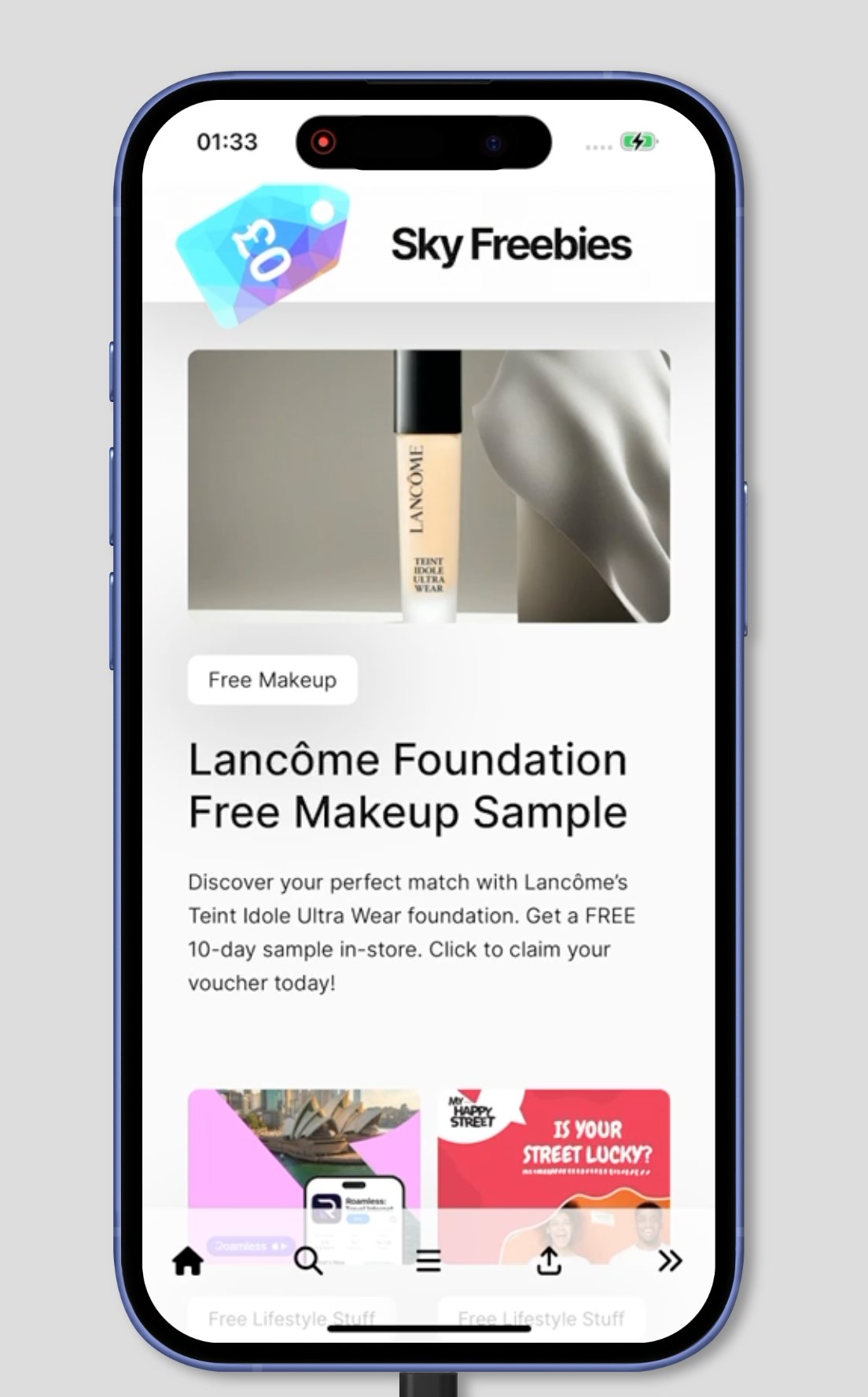
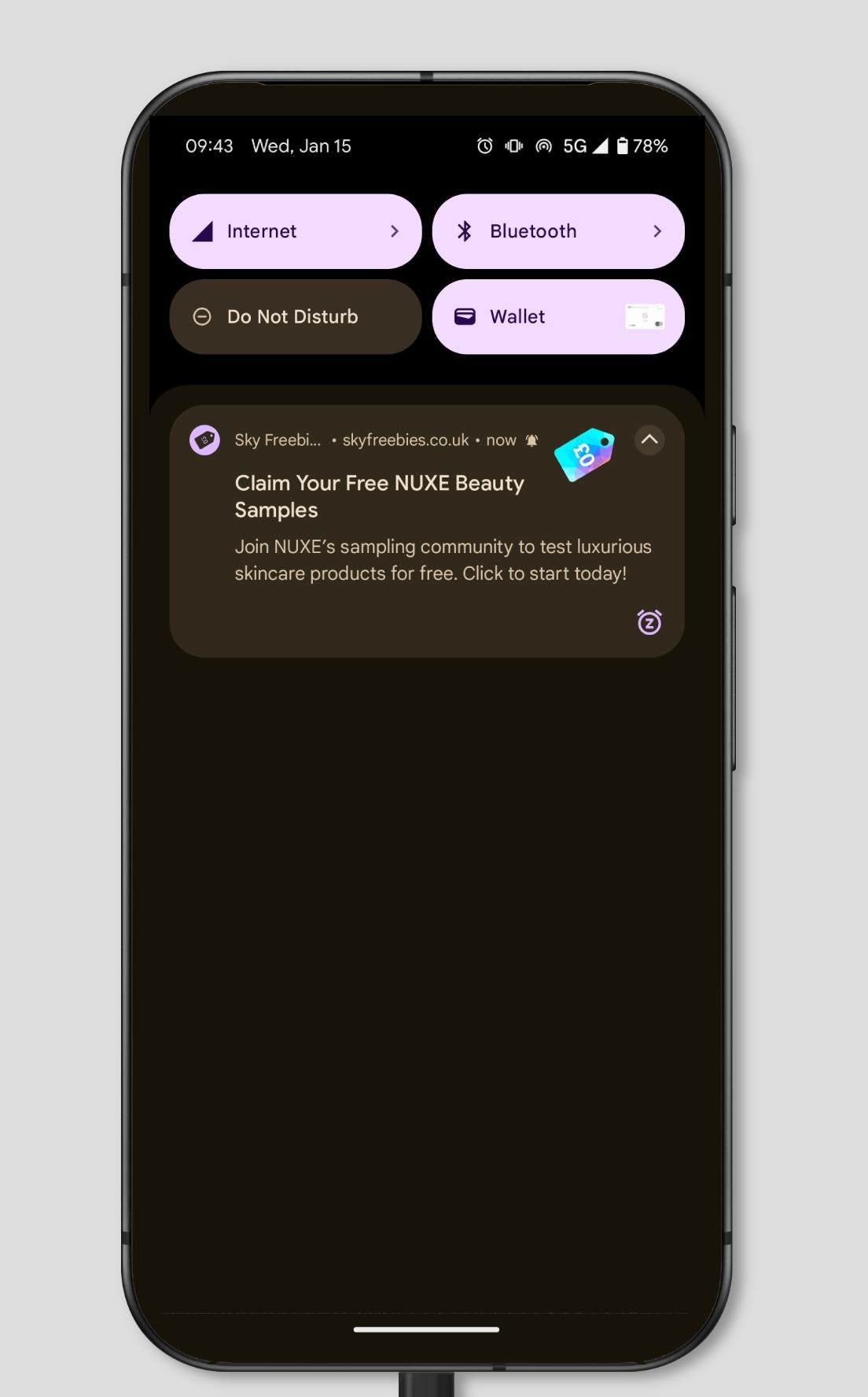
Sky Freebies also makes great use of push notifications, alerting you to new offers as soon as they're added to the app. Of course, these notifications are entirely opt-in.
Interestingly, while the app is fully functional on the web, it's also available for download on Google Play or the Windows Store. While Apple restricts PWAs, Google and Microsoft are more open to web apps. So, choosing the PWA format doesn't mean giving up on users who are accustomed to the traditional app stores.
5. Groupe Mortier
Got some online stores you order from regularly? Why not add them to your phone's home screen for easy access? Groupe Mortier is a masonry product store powered by Shopify — and it's also a PWA!
Shopify is one of the easiest platforms for selling products online, and turning your store into a PWA with installation and push notifications takes just a click, thanks to the Shopify app store.
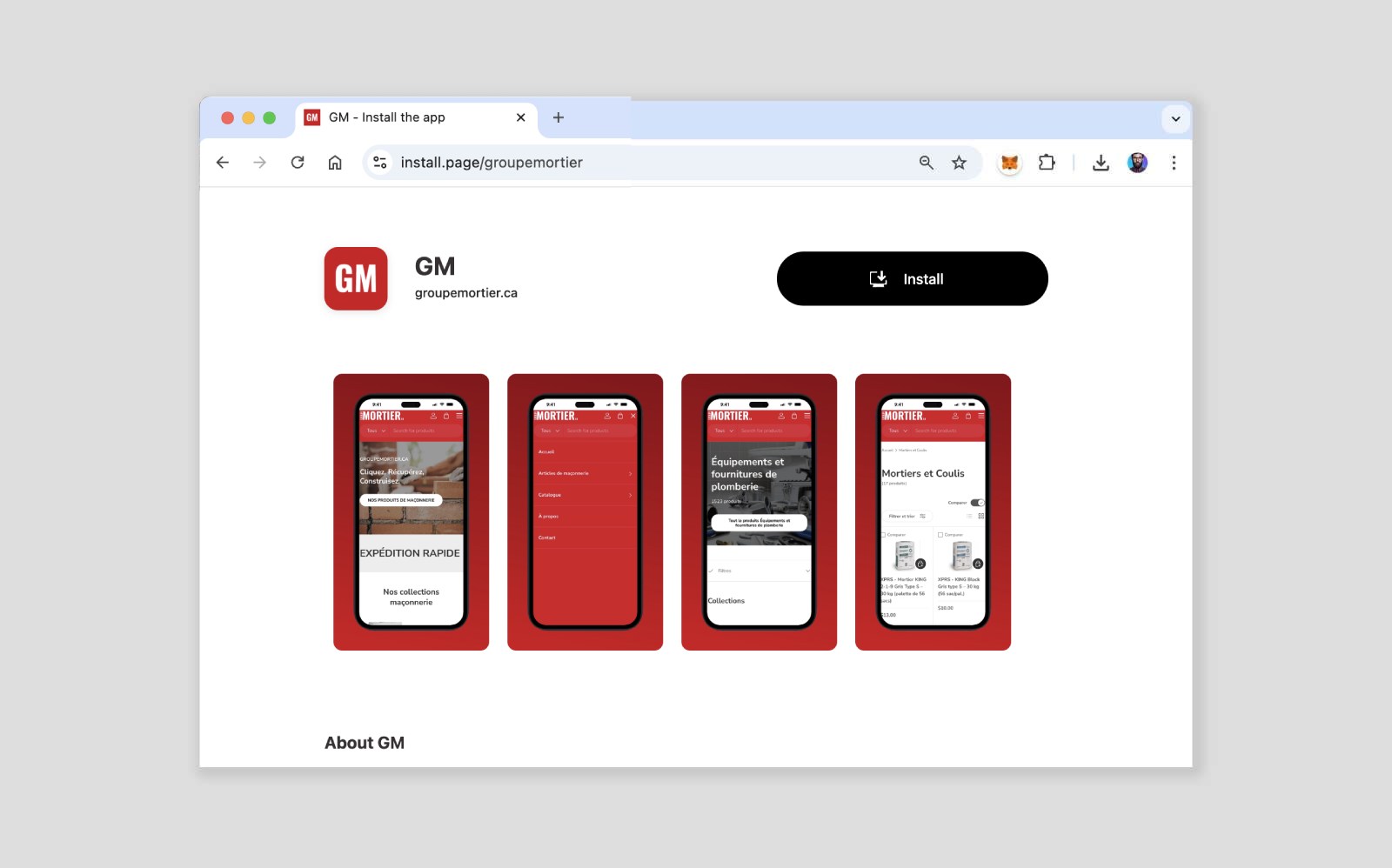
Groupe Mortier links to their own installation page right from the footer of their homepage. This is a straightforward way to promote installation without disrupting the user's journey in the app.
6. Photopea
Last but certainly not least, I have to mention Photopea, which, in my humble opinion, is one of the greatest pieces of software ever built on the web. In a nutshell, it's a free Photoshop alternative, fully developed using web technologies like HTML, CSS, and JavaScript.
Like the other examples, you can install it as a PWA on your device. I have it in my Mac's dock and use it almost daily. And it works so well that I honestly can't tell it's not a native app.
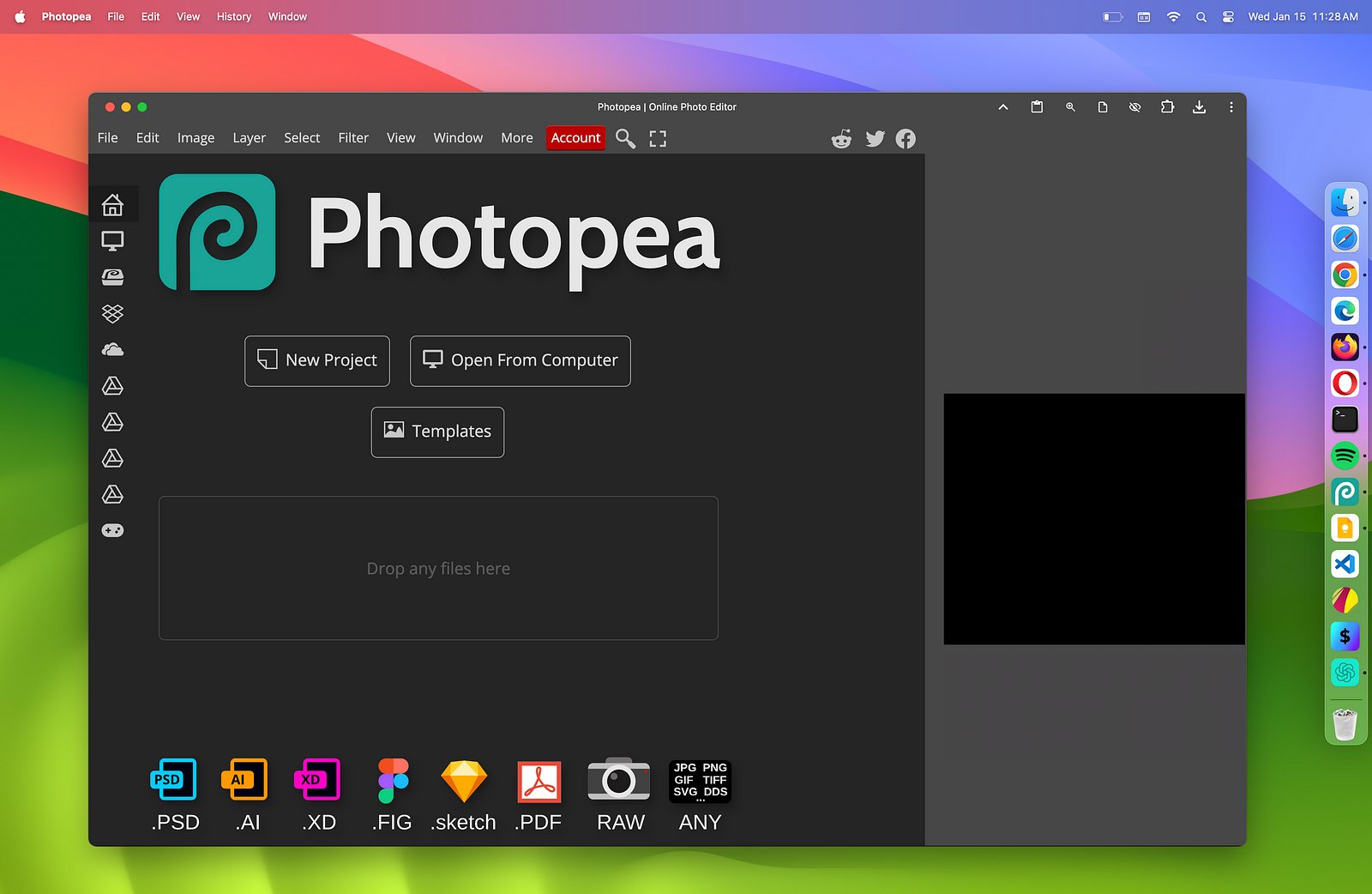
What's truly remarkable about Photopea though is what it actually does. Enabling designers to tackle such complex tasks directly on the web was nothing short of genius.
Skeptical about the potential of PWAs? Try Photopea—it might just change your perspective.