
PWA Plugin for Replit apps
Easily convert your Replit project into a fully installable Progressive Web App (PWA), giving your users the convenience of adding it to their home screens just like a native app — plus, stay connected and boost engagement by sending timely push notifications directly to their devices.


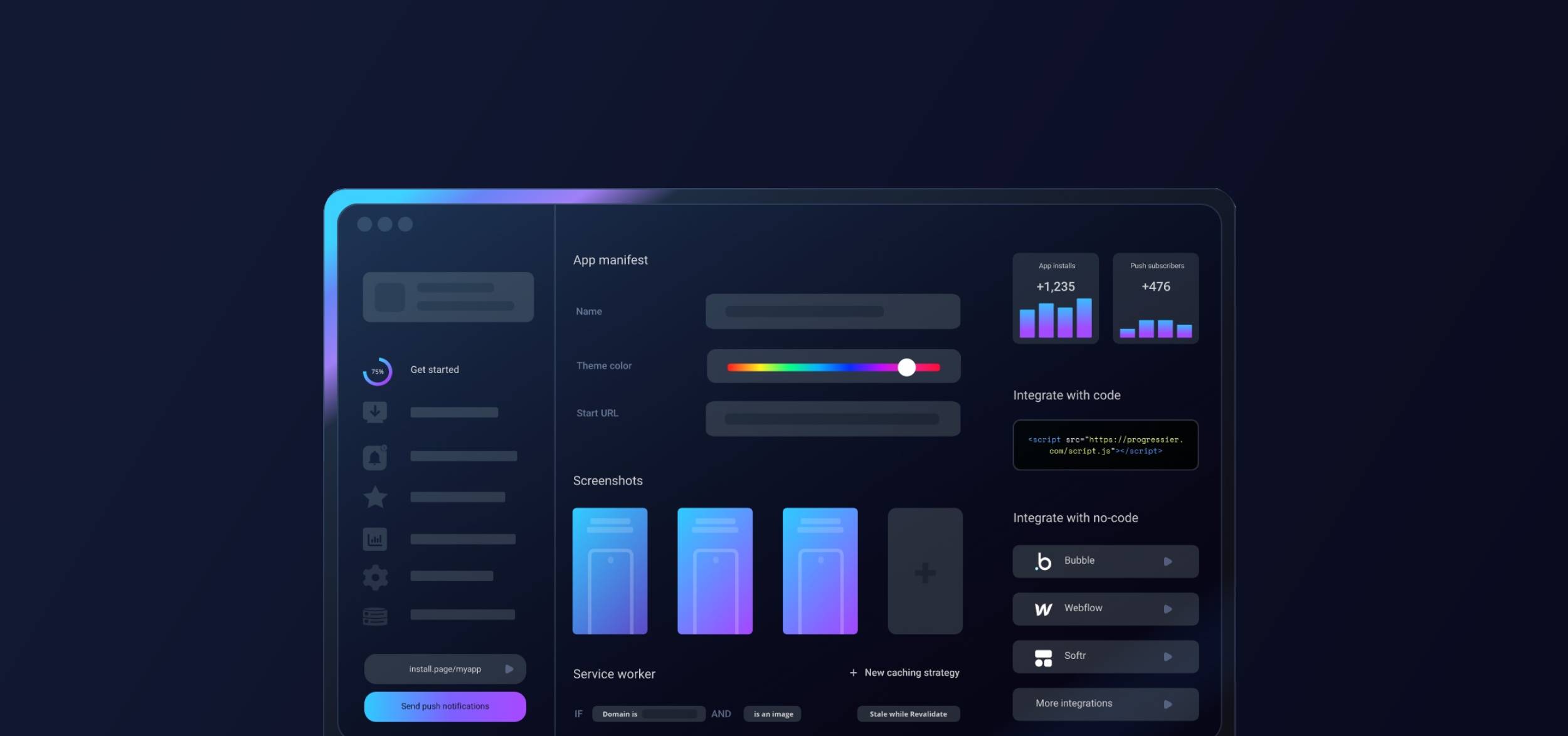
Getting started with Replit & Progressier
-

1Sign up to Progressier
Hit Generate PWA, select Replit under Development Platform, and enter the URL of your Replit app as Start URL. Then create your Progressier account.
-
2Integrate with one prompt
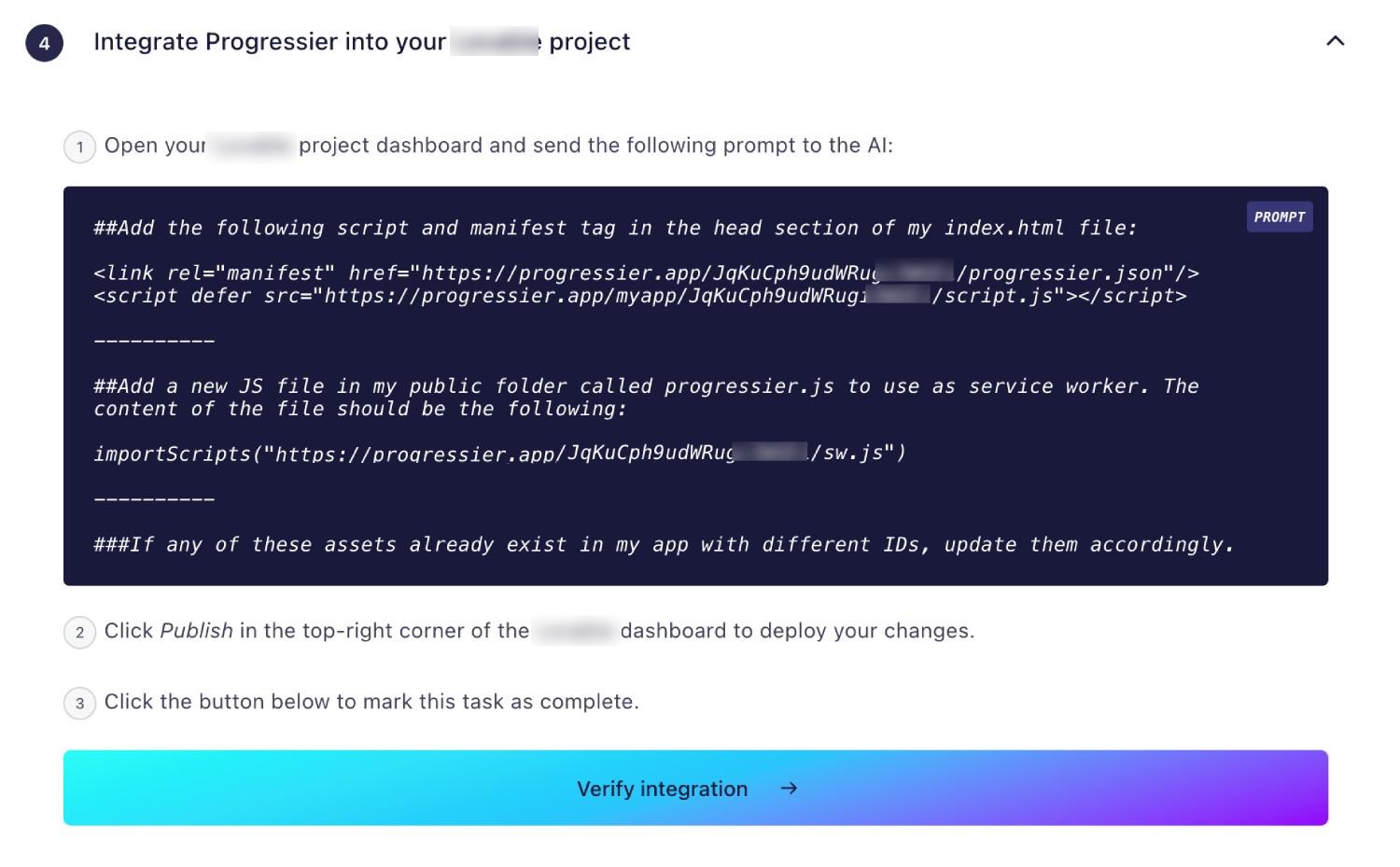
Copy and paste the AI prompt we'll show you during onboarding. Then send it to the Replit AI agent to add our manifest and service worker into your project.
-
3Install your app
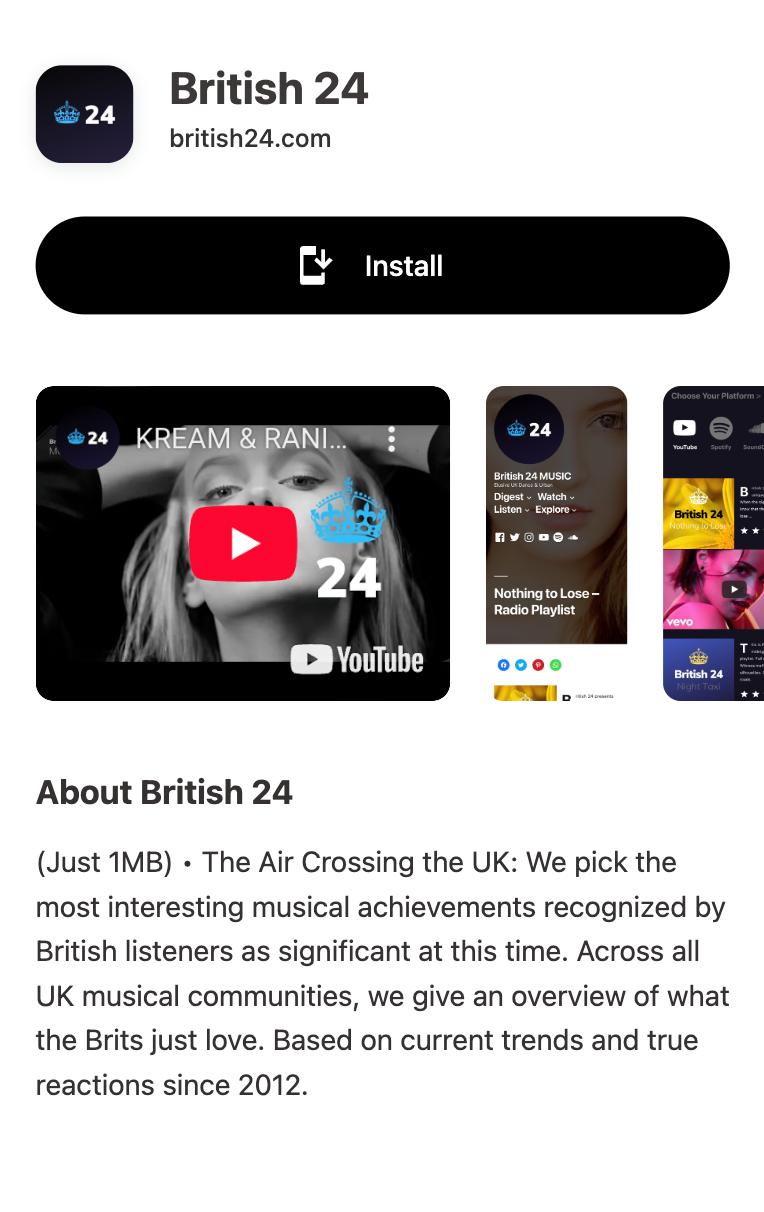
Your app can now be installed on any iPhone, iPad, Android, tablet or computer in a few clicks. Open your website and hit "Install" in the bottom-right corner. Easy peasy.
-

4Configure notifications
Integrate our API to send programmatic push notifications or send them from the dashboard directly.
Which PWA features does Replit support?
Android Installation
Let users install your app on their Android device. It works exactly like a native app.
iOS Installation
Your PWA is installable on iOS and iPad OS. It will open in its own standalone window. Progressier shows users custom instructions.
Windows Installation
Make your app a standalone desktop app that open in its own window. Your PWA can be installed from Chrome and Edge.
macOS Installation
Progressier helps users add your Replit PWA to their Docks for quick access.
Chrome OS Installation
Enjoy native PWA support for your app on Chrome OS.
Installation Page
A familiar app store installation experience bundled in a single-purpose page for your users.
Original Domain Installation
Your Replit PWA can be installed from your existing domain.
Web App Manifest
A web app manifest is a basic browser requirement for PWAs. Progressier outputs it automatically based on your preferences.
Service Worker
A service worker is a JavaScript file that runs in the browser continuously even when the page is not open. It's what allows push notifications to be delivered. Progressier allows you to create, manage, customize your service worker without complicated integrations.
Push Campaigns
Send push notifications to up to 1,000,000 users in one go within the Progressier dashboard or via the API.
Personalized Notifications
Send notifications to any particular user manually or programmatically. All your need is their email, their user ID or any other information that identifies them in your system.
Connect User Data
Link user data like emails, names, status to push subscriptions, so you can easily notify someone from your product directly or from our dashboard.
In-App PWA Promotion
A set of tools that allow you to promote installation of your PWA within the body of your app, including custom install buttons and floating action buttons.
Offline Alerts
Let users know when they lose their Internet connection.
Request Notifications After Installation
Prompt users to allow push notifications right after they have installed your app. Less intrusive = better conversion rate.
Install & Push Analytics
See in real-time and track over time how users install your PWA and allow push notifications.
Programmatic PWA Creation
Create new Progressive Web Apps dynamically with our API on different domains or subdirectories.
Google Play & App Store Upload
Easily upload your app to Google Play or the App Store with our PWABuilder integration.
Why choose Replit and Progressier for your PWA?
With Progressier's single prompt integration, you can turn your existing Replit project into a Progressive Web App in just a few minutes. Copy and paste our prompt, wait for the AI to update your site, hit Deploy. You're done!
Do Replit apps perform well in search rankings?
It's tricky. Replit absolutely supports Server-Side Rendering (SSR) for great SEO, but you have to be intentional about it. While it's a powerful cloud IDE capable of running anything, the Replit Agent defaults to building Client-Side Rendered apps (usually Vite and React) that can struggle with search engines. Unlike Bolt, Replit doesn't offer a magic toggle to automatically pre-render these pages for bots. To get true SSR, you must explicitly prompt the Agent to build your app using a framework like Next.js right from the start. Otherwise, you'll be stuck manually refactoring your code or setting up a third-party prerendering service yourself later.
Does Replit output beautiful apps?
Replit apps are definitely polished, but they do tend to suffer from that generic "AI look." Since the agent relies heavily on Tailwind CSS and shadcn/ui components out of the box, your project will instantly look clean and modern. The catch is that it will also look just like every other AI generated site. You can easily prompt it to include fluid transitions with Framer Motion or scroll animations to add some life to the page. You just have to explicitly push the AI out of its standard component molds if you want a truly unique custom design.

Ready to turn your Replit app into a PWA?
Try our PWA builder free of charge for 14 days. No credit card required.
Generate PWA See plans