
Add PWA Installation and Push Notification to your Hercules project
Turn your powerful Hercules AI apps into lightweight, high-performance PWAs. Offer your users a native-app experience with cross-platform compatibility, all from a single codebase.

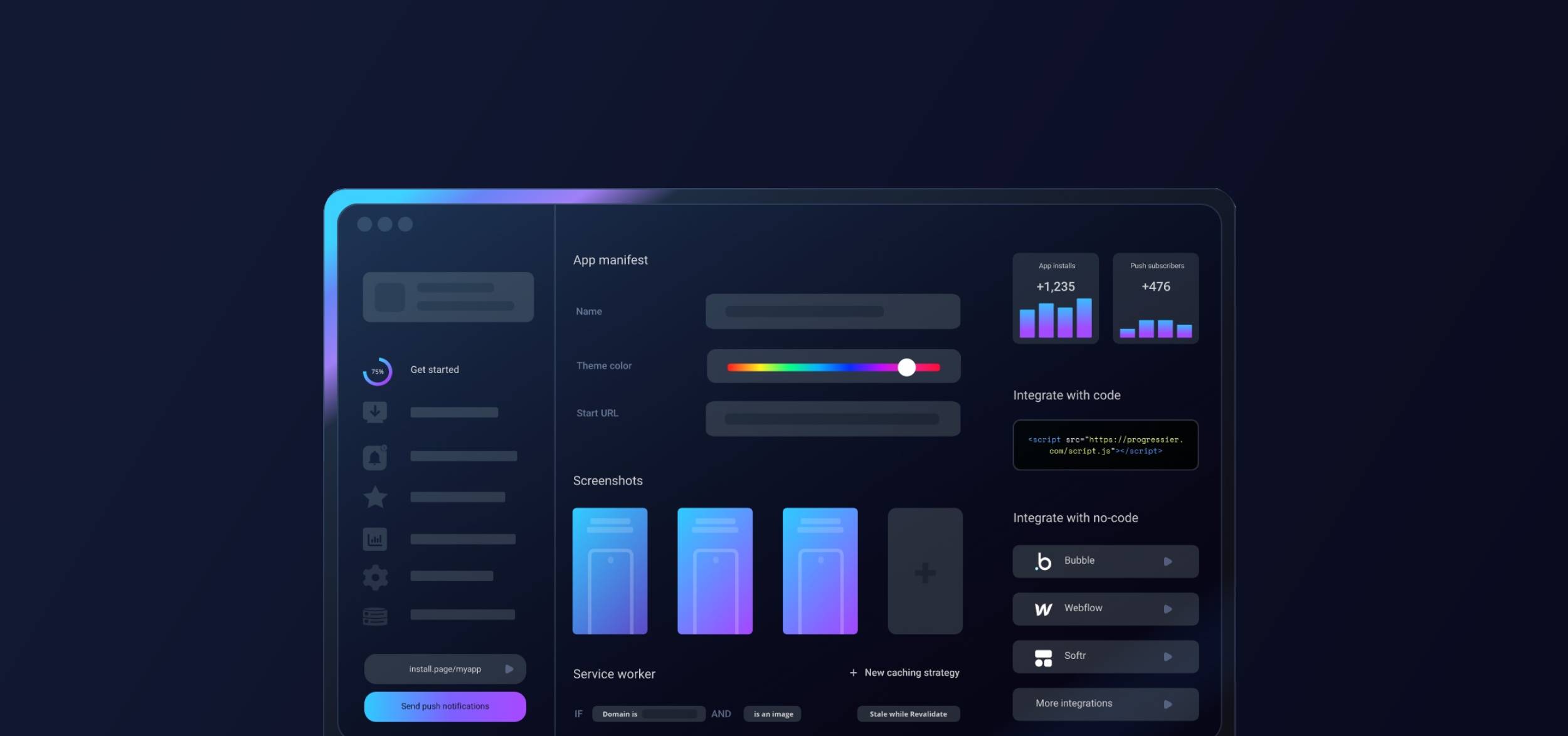
Getting started with Hercules & Progressier
-
1Start the setup process
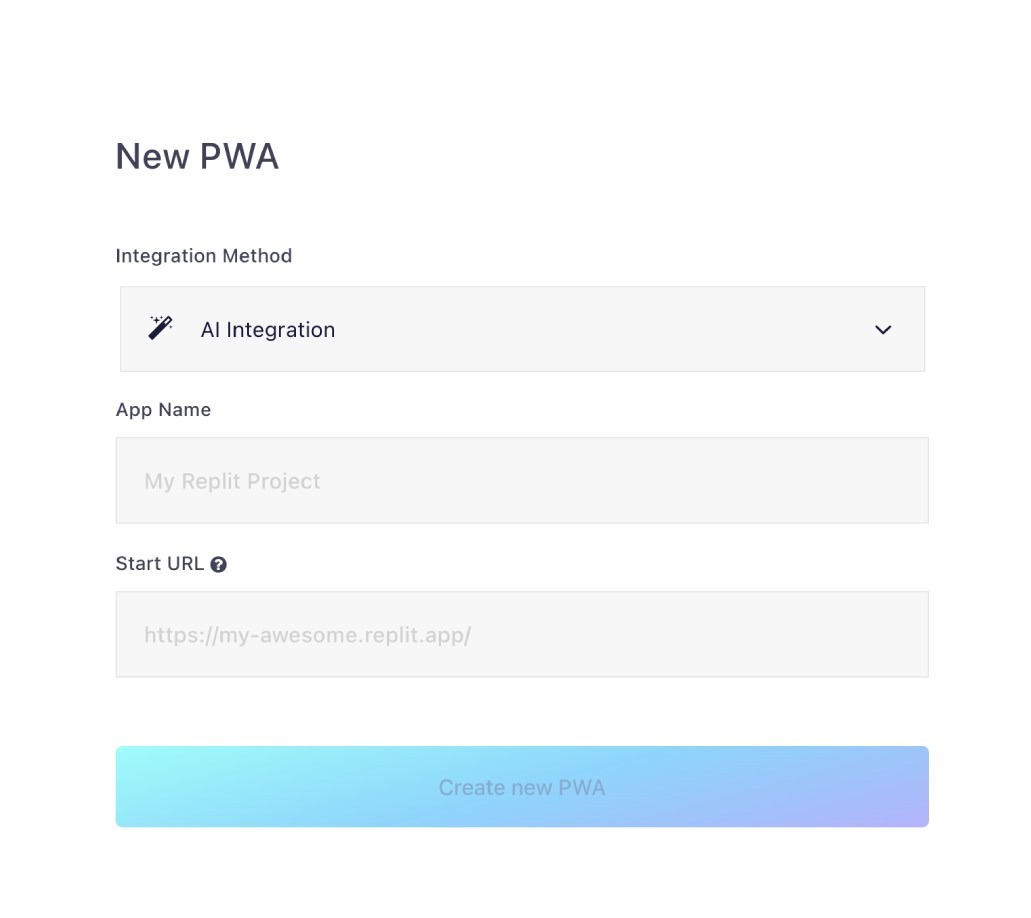
Hit Generate PWA, pick AI Integration as your integration method, and input your project domain.
-
2Apply the integration block
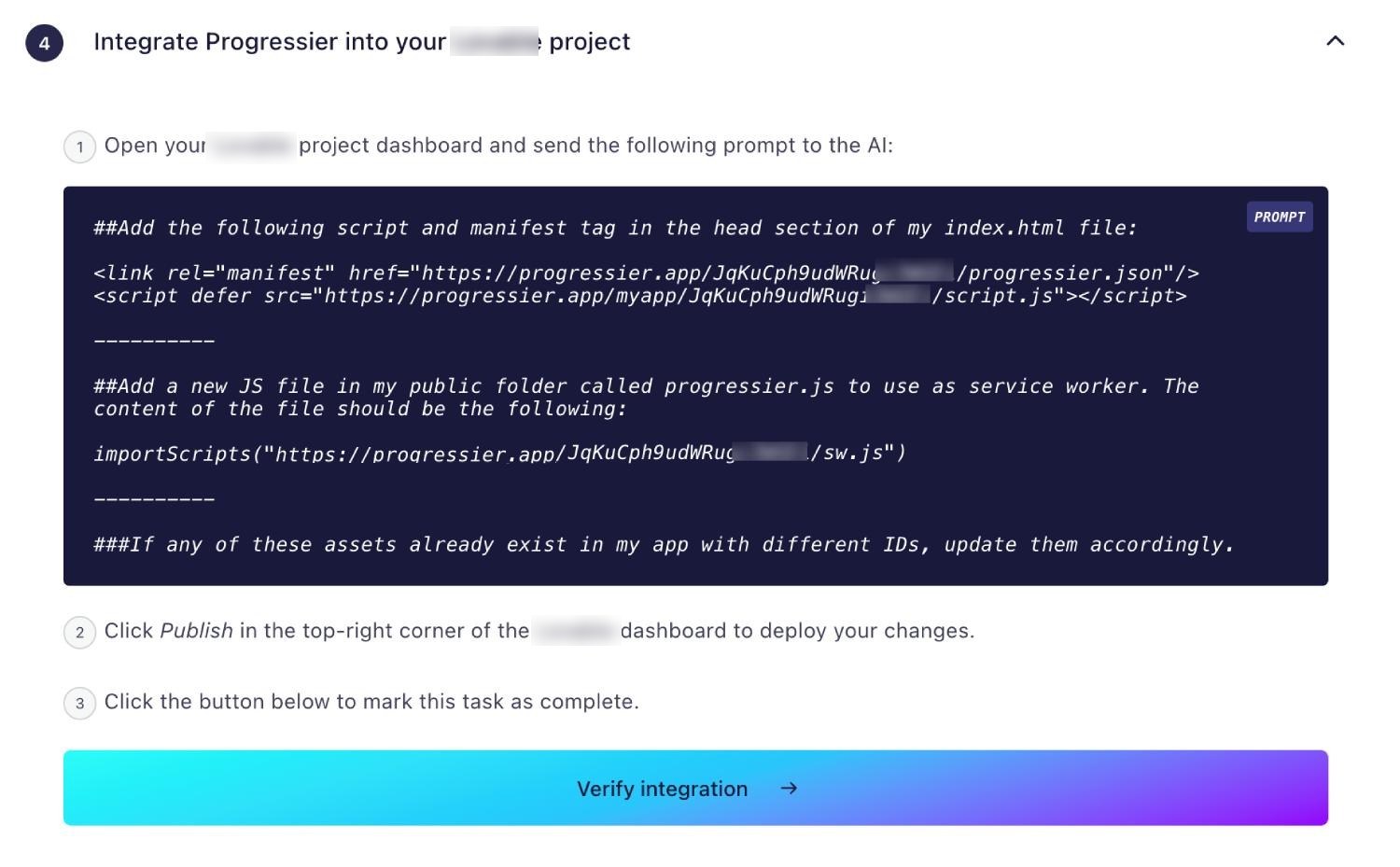
Grab the code block we generate for you and drop it into the Hercules dashboard as a prompt to your AI to instantly connect your application.
-
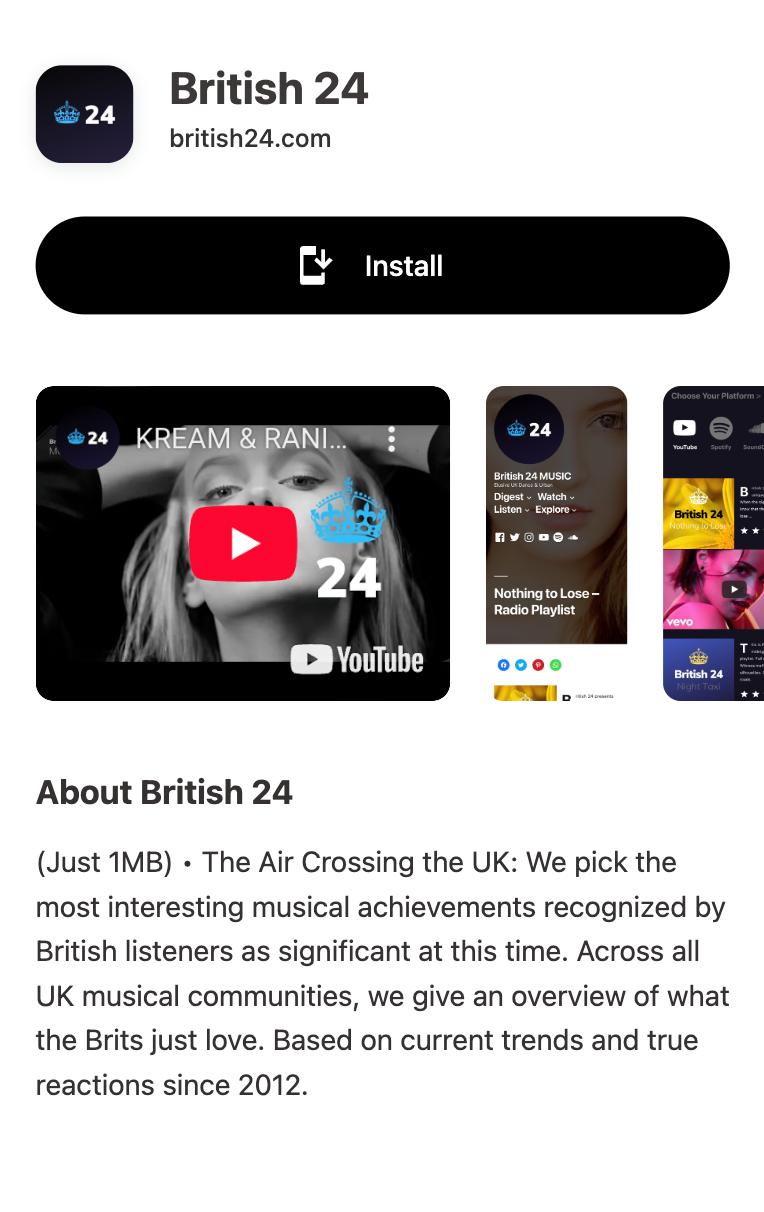
3Install your new app!
Maps to your Progressier dashboard to verify your PWA status and ensure everything is running smoothly on desktop and mobile.
Which PWA features does Hercules support?
Android Installation
Get your PWA installed on any Android smartphone or tablet, just like a native app.
iOS Installation
Progressier walks users through the process of installing your app on their iPad or iPhone.
Windows Installation
Your Hercules PWA is installable from Google Chrome and Microsoft Edge and can be added to a Desktop or Taskbar.
macOS Installation
Progressier helps users add your Hercules PWA to their Docks for quick access.
Chrome OS Installation
Let users add your PWA to their Chrome OS laptop.
Installation Page
Get a unique installation page for your app that promotes installation of your PWA and guides users with custom instructions for each platform.
Original Domain Installation
Your Hercules PWA can be installed from your existing domain.
Web App Manifest
Progressier generates a web app manifest for you based on your preferences automatically.
Service Worker
A service worker is JS file that runs separately from the main browser thread. It can intercept network requests (allowing to put resources in the cache or retrieve them from there) and deliver push notifications to someone even when they're not actively using your app. With Progressier, you can define these rules without having to write any code at all.
Push Campaigns
Send push notifications to up to 1,000,000 users in one go within the Progressier dashboard or via the API.
Personalized Notifications
Send notifications to any particular user manually or programmatically. All your need is their email, their user ID or any other information that identifies them in your system.
Connect User Data
Link user data like emails, names, status to push subscriptions, so you can easily notify someone from your product directly or from our dashboard.
In-App PWA Promotion
Promote installation of your PWA with a floating action button in the body of your app.
Offline Alerts
Show a custom alert when a user loses network connectivity.
Request Notifications After Installation
Progressier asks users to allow notifications right after they've installed your app, which generally results in a higher subscription rate
Install & Push Analytics
See in real-time and track over time how users install your PWA and allow push notifications.
Programmatic PWA Creation
Create new Progressive Web Apps dynamically with our API on different domains or subdirectories.
Google Play & App Store Upload
Easily upload your app to Google Play or the App Store with our PWABuilder integration.
Why choose Hercules and Progressier for your PWA?
Building heavy-duty applications with Hercules is effortless, and adding PWA functionality should be too. Progressier automatically configures your manifest and handles the push notification logic so your Hercules application performs perfectly.
Ready to turn your Hercules app into a PWA?
Try our PWA builder free of charge for 14 days. No credit card required.
Generate PWA See plans