
Add PWA features to your MeDo apps
Transform your MeDo projects into robust PWAs. Allow your users to download your creations directly to their smartphones and desktops without going through the app stores.

Getting started with MeDo & Progressier
-
1Sign up to Progressier
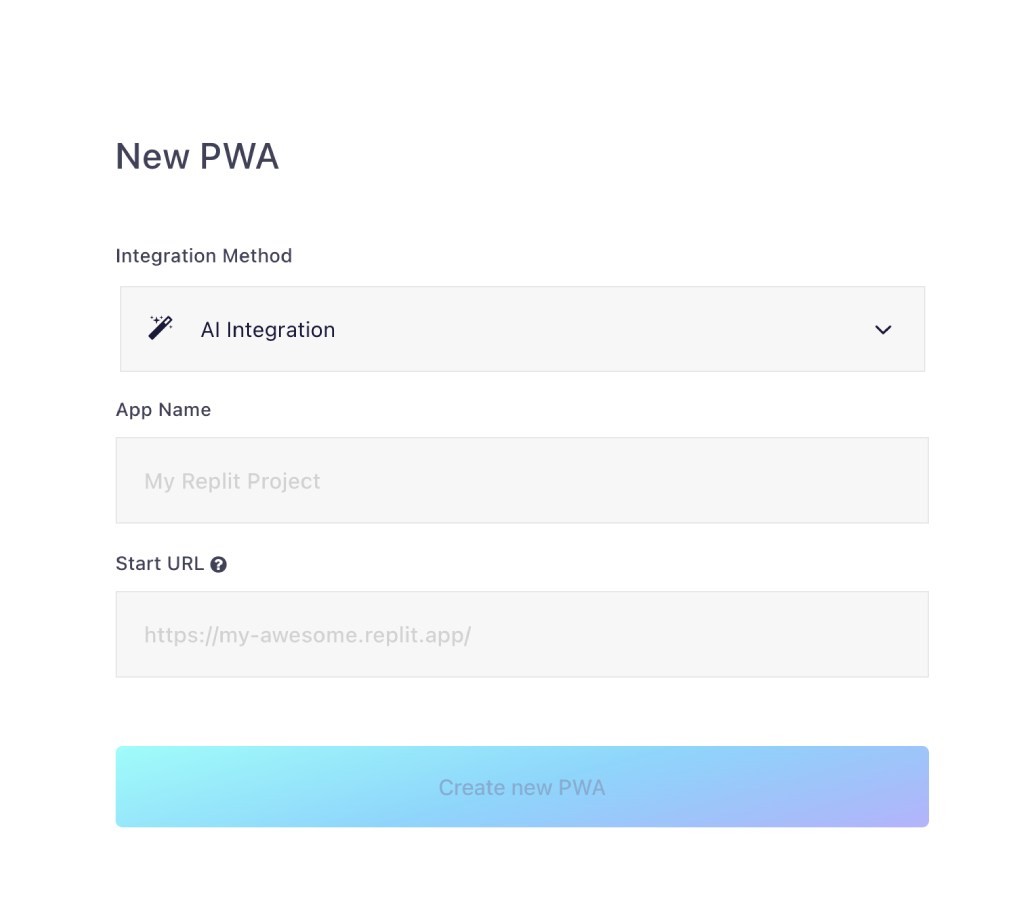
Hit Generate PWA, select AI Integration under Integration Method, and enter your live URL. Create your account to proceed.
-
2Embed the Progressier script
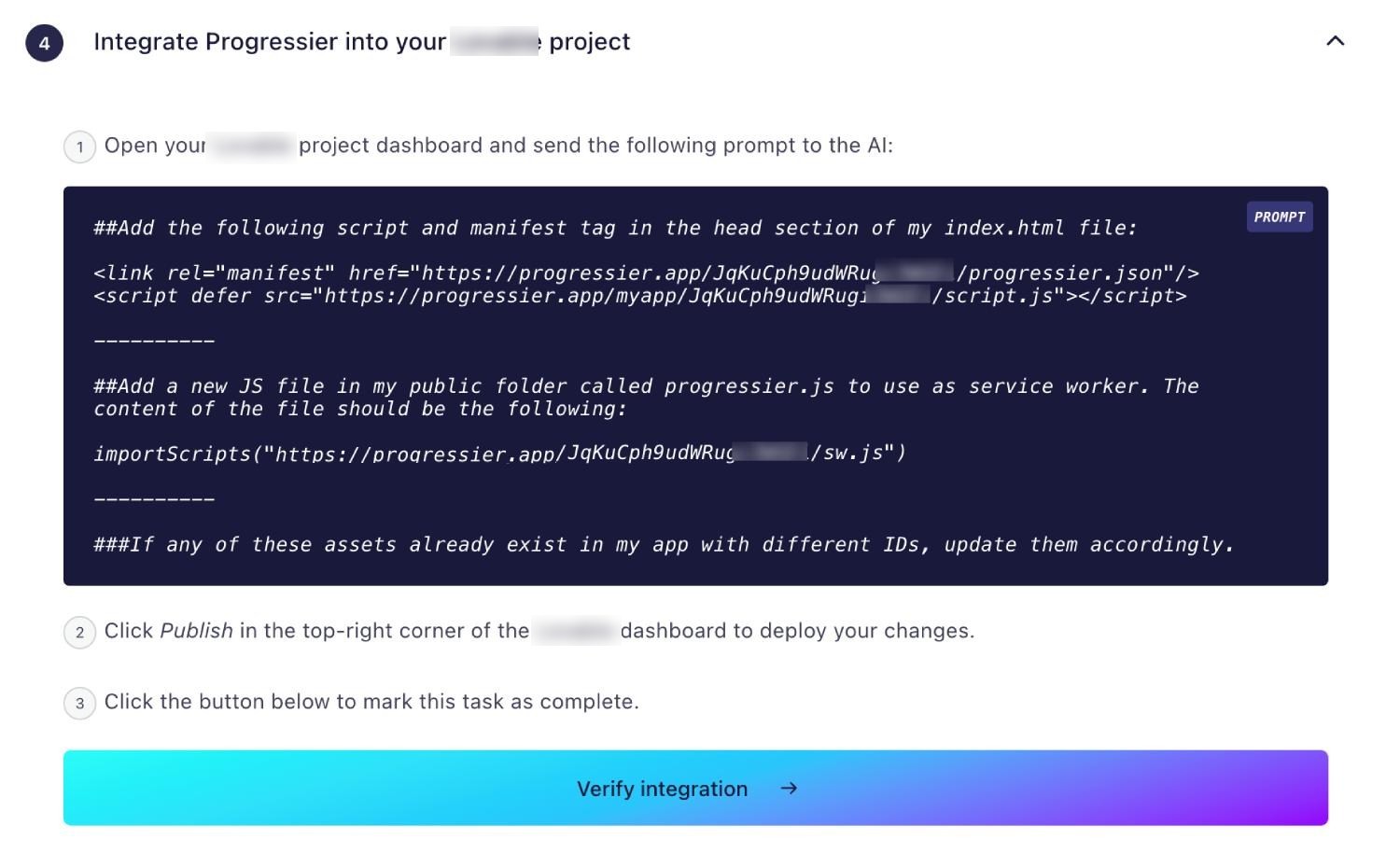
Take the script tag provided in the dashboard and inject it into the head section of your MeDo project configuration.
-

3Send your first notification
Once deployed, install the app on your device and use our dashboard to broadcast a test push notification to yourself.
Which PWA features does MeDo support?
Android Installation
Your MeDo PWA is installable on Android tablets or smartphones in a click.
iOS Installation
Let users add your MeDo PWA to their home screen with our custom iOS install prompt.
Windows Installation
Your PWA can be installed from Chrome and Edge to your users' Desktop and/or Taskbar.
macOS Installation
Get your app installed on macOS from Chrome — Progressier walks users through installing your PWA to their Docks.
Chrome OS Installation
Progressier is also a great solution to get your app installed on Chrome OS.
Installation Page
A beautiful single-purpose page to send to your users as a direct link to install your MeDo PWA on their device.
Original Domain Installation
Due to the limitations of the platform, it's not possible to install your app as PWA from your own domain. Progressier provides an alternative custom domain for installation purposes that looks like elonmusk.installable.app.
Web App Manifest
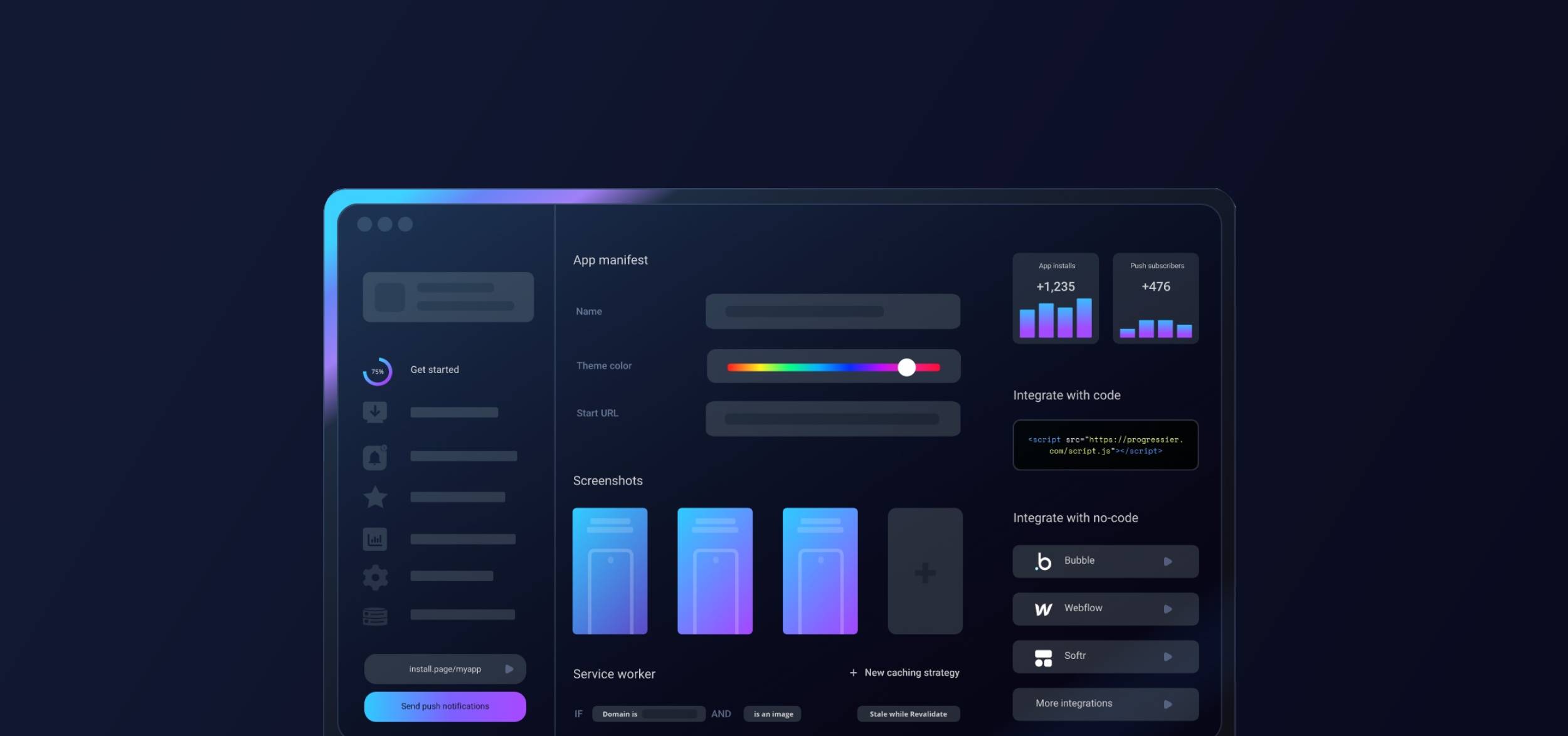
Progressier builds a PWA manifest with your preferences set in the dashboard, with toggles and inputs instead of lines of code
Service Worker
A service worker is a file that continues running in the browser even after the web page that has registered it has closed. For a domain to be a PWA, it must have a service worker hosted at the root. Unfortunately, MeDo does not support adding a service worker to your domain.
Push Campaigns
Notify all your users of news in your app with our dashboard and/or API. Progressier manages all user push subscriptions for you.
Personalized Notifications
Other app builders allow you to send notifications to a particular user. It's not currently possible with this platform.
Connect User Data
With MeDo, it's not currently possible to sync your user data (e.g. emails, names or account types). Bubble is the best no-code option for that.
In-App PWA Promotion
Everything you need to encourage users to install your app on their devices.
Offline Alerts
In-app alerts displayed when users lose network connectivity. Not available with MeDo.
Request Notifications After Installation
Automatically prompt users to authorize notifications after they've installed your PWA on their device.
Install & Push Analytics
Progressier tracks installs of your MeDo PWA over time. Also tracks push subscriptions.
Programmatic PWA Creation
Create MeDo PWAs programmatically with our API.
Google Play & App Store Upload
Since MeDo doesn't allow their users to install PWAs from their own domain, it's not possible to make it available through Google Play or the App Store as a PWA.
Why choose MeDo and Progressier for your PWA?
MeDo is excellent for rapid UI generation, but Progressier bridges the gap to native-like distribution. Add our snippet to your MeDo output, and immediately unlock push notifications and universal installation without writing complex service worker code.
Ready to turn your MeDo app into a PWA?
Try our PWA builder free of charge for 14 days. No credit card required.
Generate PWA See plans