


Step 1: Finalize your Replit project
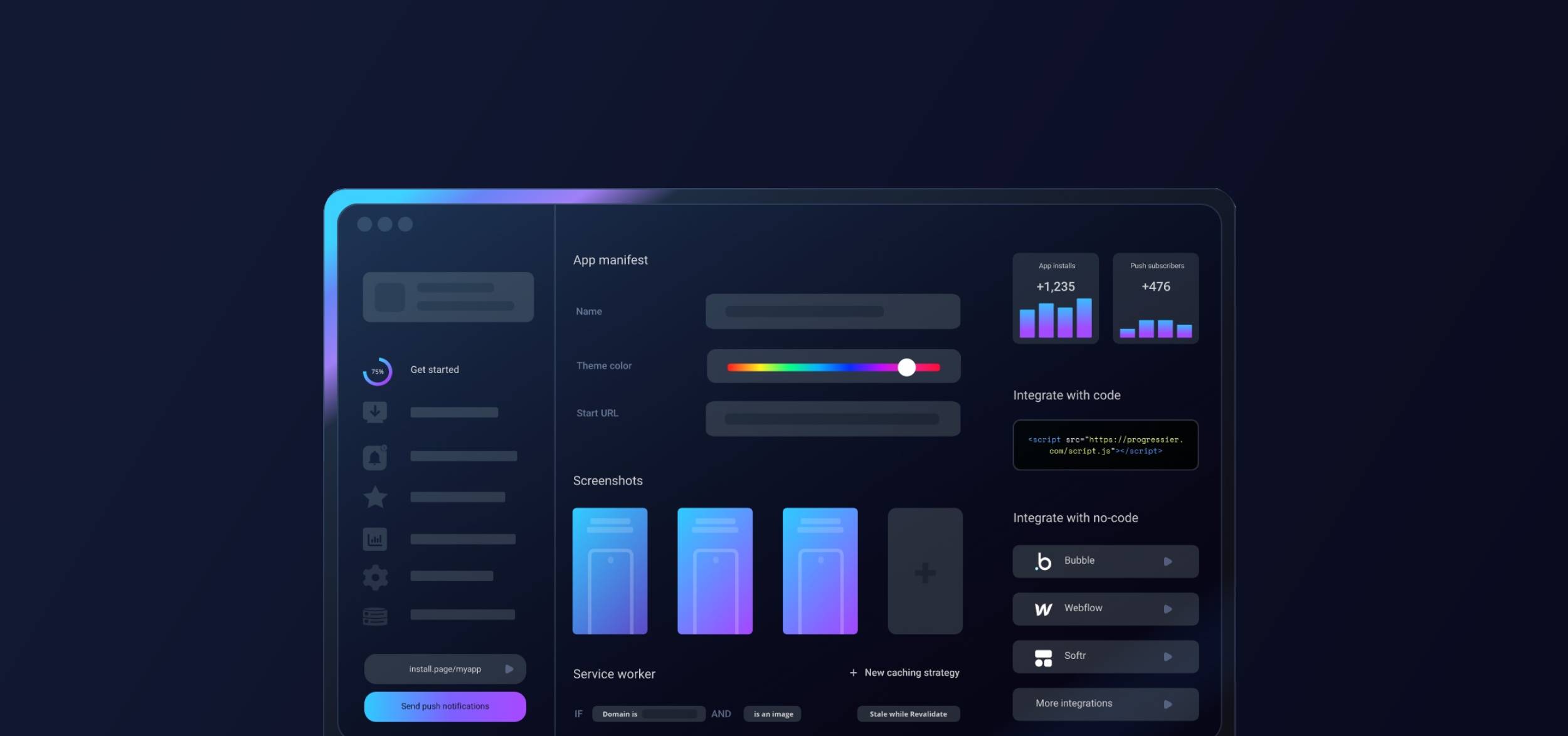
Progressier is a tool that lets you add extra features, like PWA installation and push notifications to your Replit web app. When your app is ready to launch and accessible at a custom domain, you can incorporate Progressier into your project to enhance its capabilities.
Step 2: Create a Progressier account
Progressier is an all-in-one no-code toolkit for web apps. It usually takes 1 minutes or less to integrate Progressier with Replit.
Create your Progressier account . Progressier comes with a 14-day free trial that allows you to integrate it into your Replit app risk-free. You only enter your payment information once everything is working to your liking.
Step 3: Generate your Replit PWA
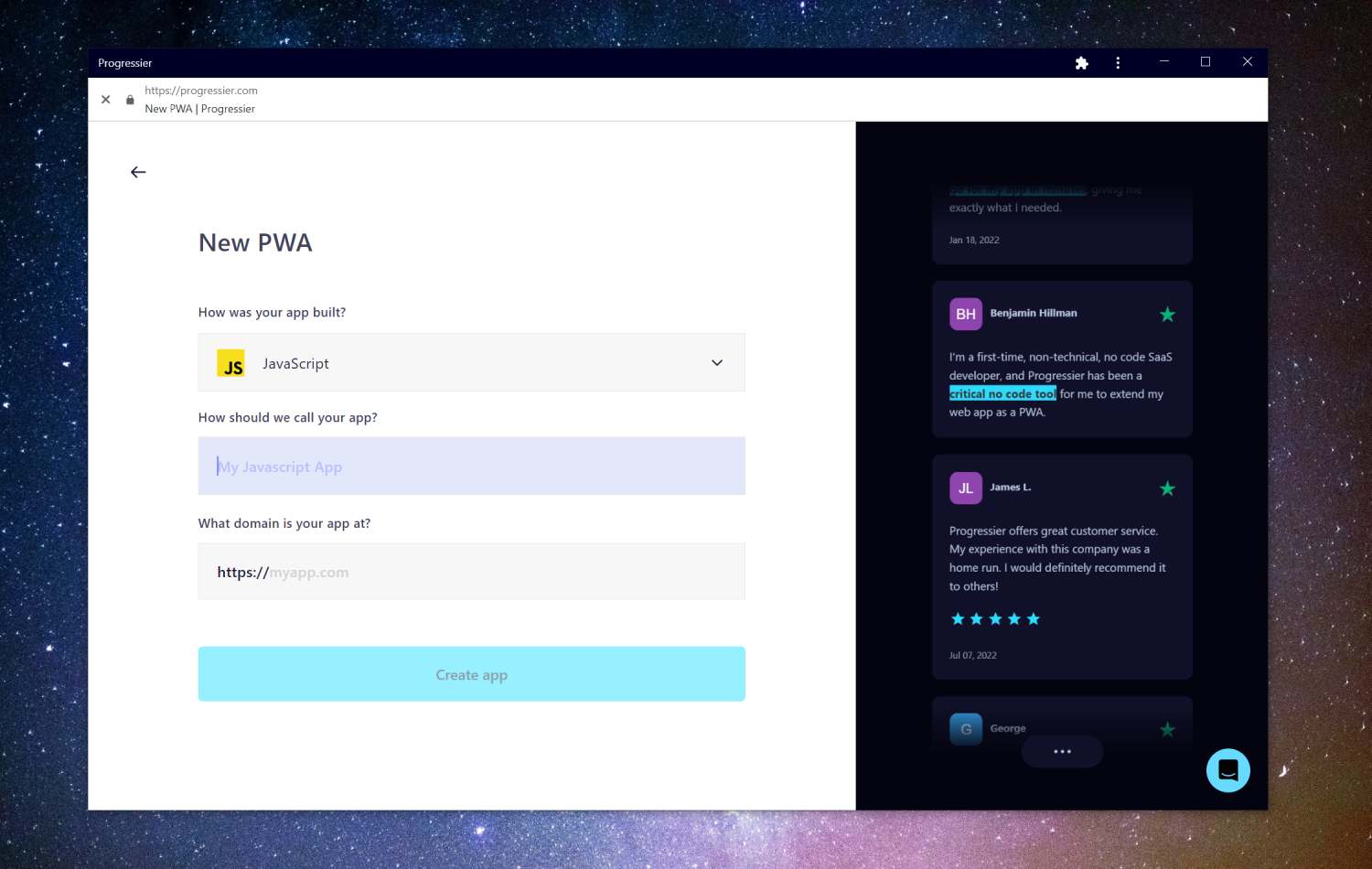
After signing up, you'll be prompted to enter a few details about your app, e.g. how it was built (choose Replit), the name of your app, and its domain.
Step 4: Finalize your onboarding process
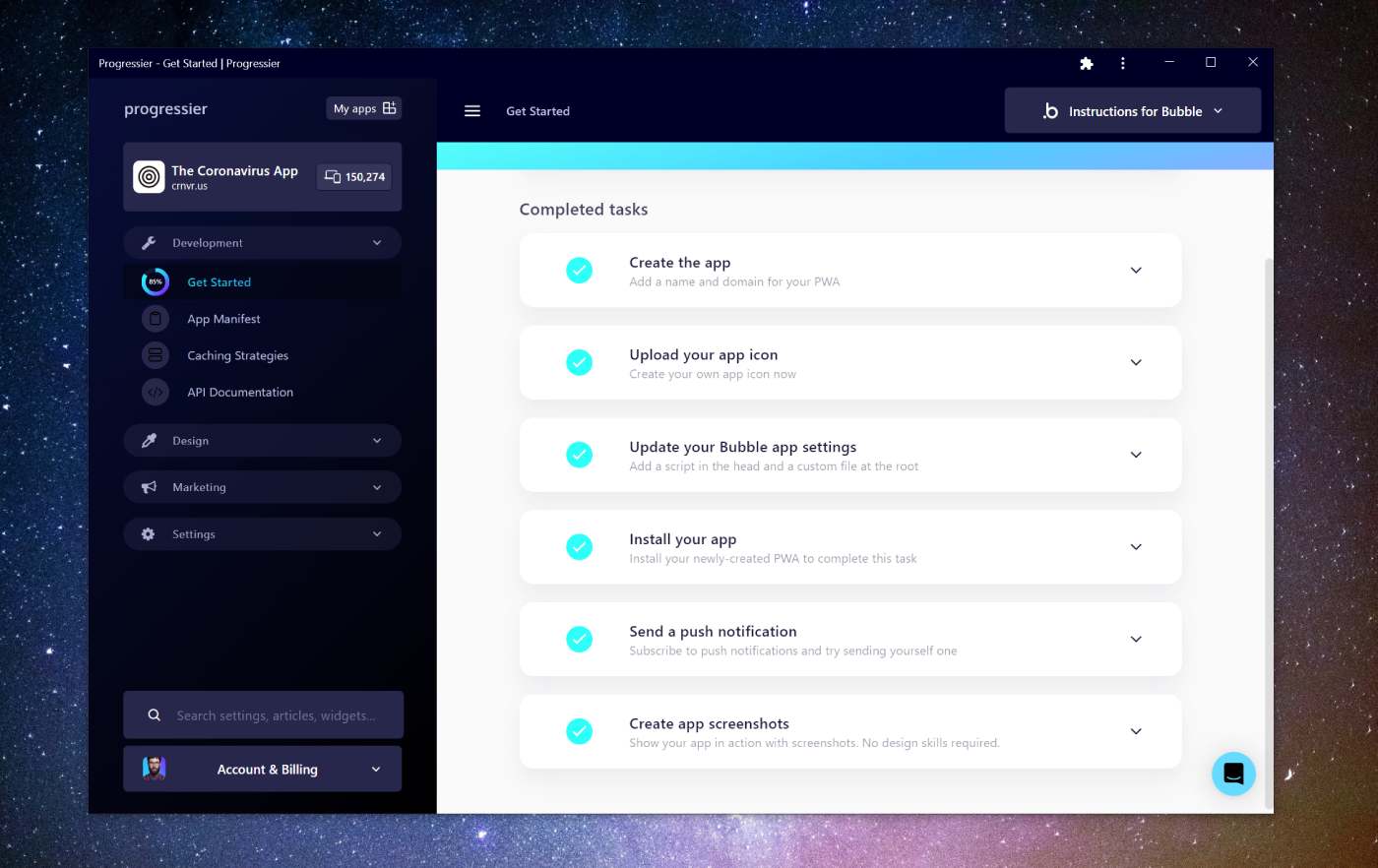
Complete the tasks shown on the screen to finish making your Replit app universally installable and augment it with push notifications. It even comes with a complete solution for designing app screenshots and gathering reviews.
Step 5: Allow push notifications on your domain

Now back to your newly-created PWA! You should have been prompted to allow notifications during sign-up.
Step 6: Compose a push notification
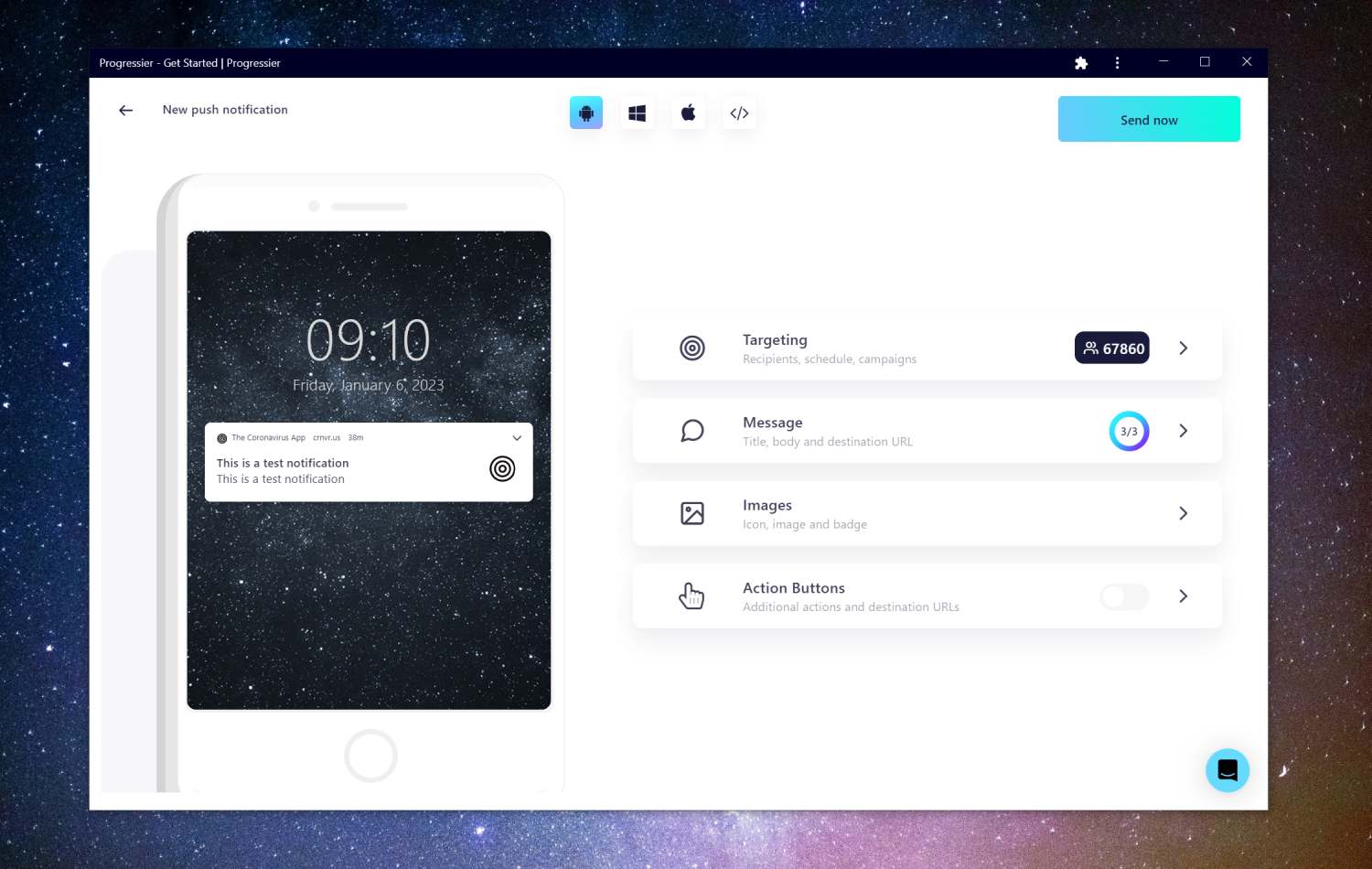
Go to our Push Composer (login required) to compose your first push notification. By default, it will be sent to all your subscribers, but you can target a specific group of users in the Recipients section of the Targeting tab.
Step 7: Use our Push API (optional)
Sending the same notification to every user for marketing purposes is one thing. Sending notifications programmatically to a user to react to events in your Replit app is another. Luckily, Progressier comes with a solution for both use cases. Simply connect your user data (e.g. a user ID or user email), then call our Push API in your server-side code to send a push notification to a specific user. You don't have to manage push subscriptions on your end.
Why add push notifications to your app?
Push notifications can improve user engagement, drive traffic back to the app, increase retention rates, boost conversion rates, and provide a better overall user experience.
Drawbacks of push notifications
Because of their limited deliverability, push notifications are not as flexible as email or even text messages as a communication tool. Also, it's easy for users to unsubscribe from your notifications, so you'll have to make sure you don't notify them too frequently.
What are the best push services for Replit apps?
Here are some popular examples of push services Replit app owners like to use:
- Firebase Cloud Messaging (FCM): This is a free, cross-platform messaging service provided by Google that allows you to send push notifications to Android, iOS, and web devices.
- OneSignal: Probably the most popular option for push notifications. OneSignal works well across platforms and provides more options than FCM but can be quite costly, especially at scale.
- Progressier: Progressier is a PWA toolkit that allows developers and no-code makers to effortlessly send push notifications for marketing or targeted messaging purposes. It is built specifically for web apps and may not be the best option for websites or native apps.
Developing your own push notification solution
If you're using Replit, it's likely you value simplicity and getting things done quickly. Building your own push service requires code (a ton of it!) and is a non-trivial engineering effort. While sending a notification to one user is easy, sending it to many simultaneously is pretty hard and requires capabilities that can't be replicated in no-code or low-code platforms.
Which platforms are compatible with push notifications?
The Web Push API is compatible with Windows (via Chrome, Edge, Firefox, Opera), macOS (Firefox, Chrome, Edge, Safari), Android (Samsung Internet, Chrome, Firefox) and iOS (Safari).
